


14
May
Build Your Automated Trading Checklist for Profits and Safety
TL;DR:
- Skipping validation and testing steps before live trading often leads to significant capital loss despite sound strategies. A comprehensive checklist should clearly define objectives, risk parameters, testing procedures, technical reliability, and ongoing monitoring to ensure system robustness. Most failures arise from neglecting these foundational practices and failing to treat the checklist as a dynamic, evolving process rather than a one-time task.
Skipping a single step in your automated trading setup can cost you far more than a bad trade. Traders routinely lose capital not because their strategy is flawed, but because they launched without validating execution logic, testing under real conditions, or defining risk thresholds before going live. Whether you trade forex pairs or gold on MT4 or MT5, a structured, expert-verified checklist is the difference between a system that runs reliably and one that blows up quietly in the background. This guide gives you exactly that, built around real-world automation requirements.
Table of Contents
- The must-have criteria for an automated trading checklist
- Step-by-step: Automated trading checklist for MT4 and MT5
- Comparing automation options: Templates, custom EAs, and bots
- Testing, monitoring, and updating your automated trading system
- Why most automated checklists fail and what successful traders do differently
- Ready to automate smarter? Take your next step with FxShop24
- Frequently asked questions
Key Takeaways
| Point | Details |
|---|---|
| Define clear criteria | Start with strong goals, risk rules, and documentation for your automated trading setup. |
| Follow a structured checklist | Breaking your setup into clear, sequential steps reduces errors and boosts confidence. |
| Choose the right automation | Pick between templates, custom EAs, or bots based on your trading needs and expertise. |
| Monitor and update regularly | Continuous monitoring and adapting your system keeps performance high and risks low. |
| Evolve your checklist | Improve your checklist over time by learning from results, not just copying static templates. |
The must-have criteria for an automated trading checklist
Now that you understand the need for a checklist, let’s break down the essential criteria every trader should meet before going live.
Before you write a single line of code or download your first Expert Advisor (EA), you need to know what your system must accomplish. Vague goals produce vague results. Concrete criteria produce measurable outcomes.
Define your trading objectives clearly. This means specifying your target monthly return, acceptable maximum drawdown (the largest peak-to-trough equity loss), preferred trading frequency, and time horizon. A scalping strategy designed for 5-minute gold charts operates under completely different constraints than a swing system targeting weekly forex moves. Writing these down forces clarity before you spend time on configuration.
Risk management is not optional. Proper risk management is essential for successful automated trading, and this starts before your system places its first order. Every checklist must include:
- Stop-loss and take-profit levels for every trade type
- Maximum capital allocation per trade (typically 1% to 2% of total account)
- Position sizing rules tied to current volatility
- Maximum open positions and daily loss limits
- Rules for halting the system after consecutive losses
Backtesting and optimization validate whether your strategy has a statistical edge using historical price data. This step is not just running a test and seeing a profit number. It means testing across multiple market conditions, including trending markets, ranging markets, and high-volatility events. If a system only performs well during one market regime, it will fail the moment conditions shift.
System reliability covers technical infrastructure. Does your VPS (Virtual Private Server) have sufficient uptime guarantees? What happens if your broker’s feed drops during a major news event? Your checklist must account for order execution logic, reconnection behavior, and alert systems that notify you when something breaks. Reviewing a solid automated trading installation guide before setup can prevent the most common technical oversights.

Security and compliance round out the foundation. Confirm your broker is regulated, that the EA you’re using is compatible with your account type, and that your trading activity stays within any applicable regulatory limits. This is especially relevant for prop firm traders who must stay within specific drawdown rules.
Pro Tip: Use structured logs from day one. Every parameter change, test result, and live performance snapshot should be dated and stored. This creates a feedback loop that turns your checklist from a static document into an evolving playbook.
A commonly cited figure in systematic trading communities is that over 70% of new automated trading systems fail within the first three months of live deployment, often due to skipped validation steps rather than poor underlying strategy logic.
Step-by-step: Automated trading checklist for MT4 and MT5
With key criteria in mind, let’s convert them into a practical, step-by-step checklist for your trading system setup.
A standardized workflow helps ensure consistent and reliable system deployment, which is why sequencing matters here. Doing these steps out of order is one of the most common mistakes.
Define entry and exit conditions. Write out the exact logic your system uses to open and close trades. Be specific: which indicators, which timeframes, what confirmation signals. Ambiguity here leads to unexpected behavior later.
Optimize platform-specific settings. MT4 and MT5 have different execution models, data handling, and strategy tester capabilities. Confirm your EA is coded for the right platform version. MT5 supports multi-asset backtesting and has a more advanced strategy tester than MT4, so settings that work on one platform may not transfer cleanly to the other. Use the trading systems installation guide to confirm compatibility before moving forward.
Perform historical backtesting and document results. Run tests across at least 12 to 24 months of historical data. Record win rate, profit factor, maximum drawdown, and average trade duration. Do not rely on a single backtest. Run multiple parameter sets to understand sensitivity.
Run demo account forward tests. Backtesting on historical data tells you what would have happened. Forward testing on a demo account tells you what is happening under current market microstructure. Run your system on demo for a minimum of two to four weeks before touching real capital. Pay attention to slippage (the difference between expected and actual execution prices) and spread variations.
Set live risk management parameters. Once forward testing is satisfactory, configure your live account settings. Set lot sizes, stop-loss levels, take-profit targets, and maximum daily loss thresholds. These should match the values you tested, not optimistic projections.
Monitor order execution logs for errors. During the first two weeks of live trading, review execution logs daily. Look for rejected orders, unusual slippage, or fills that differ significantly from backtested assumptions. Small execution issues compound quickly at scale.
Ensure redundancy and backup systems. Set up price alerts and email or SMS notifications for system errors. Have a manual override procedure documented so you can intervene quickly if needed. A VPS with at least 99.9% uptime is the minimum standard for serious automation.
Pro Tip: Schedule a formal checklist review every four weeks. Markets change, broker conditions shift, and your risk tolerance may evolve. A monthly review keeps your system aligned with current realities rather than the conditions that existed when you first built it.
Comparing automation options: Templates, custom EAs, and bots
Once your checklist is in place, it’s crucial to choose the automation style that actually fits your needs and resources.
Not every trader needs a custom-coded EA. Not every trader should use a generic template either. Commercial bots offer faster deployment but less customization than custom EAs, and understanding this tradeoff is fundamental to making the right choice.
| Feature | Templates | Custom EAs | Commercial Bots |
|---|---|---|---|
| Customization | Low | High | Medium |
| Cost | Low to free | High (dev time) | Medium to high |
| Ease of use | Very easy | Requires coding | Easy to moderate |
| Support | Community | Self or developer | Vendor support |
| Time to deploy | Hours | Weeks to months | Days |
| Best for | Beginners, testing | Advanced traders | Intermediate users |
Here is how to decide which path fits your situation:
- Templates are best for traders who want to test a concept quickly or learn how automation works without committing significant resources. They are limited in customization but excellent for education and rapid prototyping.
- Custom EAs suit experienced traders with specific strategy requirements that off-the-shelf tools cannot meet. The tradeoff is development time, testing overhead, and ongoing maintenance.
- Commercial bots hit the sweet spot for most retail traders and prop firm participants. They come with documented performance, vendor support, and regular updates. The key is evaluating them properly before purchase.
When evaluating any automated solution, prioritize these factors:
- Verified backtesting results with realistic spreads included
- Forward test or live account performance data
- Transparency about drawdown periods, not just peak returns
- Prop firm compatibility if you are trading funded accounts
- Clear documentation for MetaTrader robot setup and configuration
Demo results are a starting point, not a guarantee. Any product that shows only equity curves without disclosing drawdown statistics should raise immediate concern.
Testing, monitoring, and updating your automated trading system
Choosing and deploying a solution isn’t the end. Ongoing monitoring and system updates are key to staying profitable and compliant.
“A trading system that worked brilliantly six months ago may be slowly degrading right now. Without a disciplined monitoring process, most traders don’t realize this until they’ve already lost significant capital.” This insight reflects the hard truth that consistent post-launch monitoring is crucial for preserving system profitability.
The metrics you track define how quickly you catch problems. Here is a practical monitoring schedule:
| Metric | Daily | Weekly | Monthly |
|---|---|---|---|
| Trade execution logs | ✓ | ||
| Slippage per trade | ✓ | ||
| Open position count | ✓ | ||
| Win rate | ✓ | ||
| Profit factor | ✓ | ||
| Maximum drawdown | ✓ | ||
| Spread costs | ✓ | ||
| Parameter drift review | ✓ | ||
| Full checklist audit | ✓ | ||
| Broker performance review | ✓ |
Parameter drift refers to the gradual degradation of a system’s performance as market conditions shift away from the environment in which the system was optimized. It is one of the most insidious risks in automation because it happens slowly. A system with a profit factor of 1.8 during testing might drift to 1.1 over four months without any single dramatic failure to trigger concern.
Error log analysis is not glamorous, but it is where most problems are first visible. Rejected orders, partial fills, and connection timeouts all appear in logs before they appear in your equity curve. Make reading execution logs part of your weekly practice.
When a checklist audit reveals a gap, document the fix, test it on demo first, and then apply it to your live system. Skipping the demo validation step on updates is where many experienced traders make mistakes they should know to avoid.
Why most automated checklists fail and what successful traders do differently
Let’s cut through the noise around checklists and focus on practical, hard-won insights you can actually apply.
Here is an uncomfortable truth: most traders fail with checklists not because they don’t have one, but because they treat it as a one-time task rather than a living practice. They build a checklist during setup, tick the boxes, go live, and then never look at it again. That approach works fine in stable conditions and fails badly when conditions shift.
Real automation risk rarely comes from the strategy itself. It comes from slippage during high-impact news events, broker downtime at precisely the wrong moment, and parameter drift that slowly erodes an edge until there is nothing left to trade. None of these risks are visible on a backtest. They only appear in live environments, and the only way to catch them is consistent, structured monitoring.
Successful traders do several things differently. First, they treat their checklist as a feedback mechanism, not a one-time gate. After every significant win or loss, they ask: “Did this happen because of a gap in my process?” If yes, the checklist gets updated. Second, they run scenario-based dry runs before deploying changes. For example, if you want to add a gold trading module to your existing forex EA, you simulate how the combined system would have behaved during a major gold price spike, such as a geopolitical event or central bank announcement.
Third, they invest in understanding order execution strategies at a deeper level. Knowing why slippage happens, when to use market orders versus limit orders, and how broker latency affects your fill quality is not advanced knowledge. It is basic operational competence for anyone running automated systems.
Pro Tip: Keep a living document with a dedicated section for “lessons learned.” After every major trade event, good or bad, add a dated entry explaining what happened and how your checklist will change as a result. Three months of honest entries will teach you more than three years of passive trading.
The traders who last in this space are not necessarily those with the most sophisticated systems. They are the ones who stay disciplined, stay curious, and never assume their checklist is finished.
Ready to automate smarter? Take your next step with FxShop24
Equipped with your optimized checklist, you’re ready to level up your automation with proven solutions and specialized tools.
At FxShop24, we work specifically with retail forex traders and prop firm participants who want automation that actually holds up in live markets. Whether you are just getting started with automated trading systems for MT4/MT5 or expanding into new asset classes with a futures trading automation guide, our platform gives you the tools to move forward with confidence.
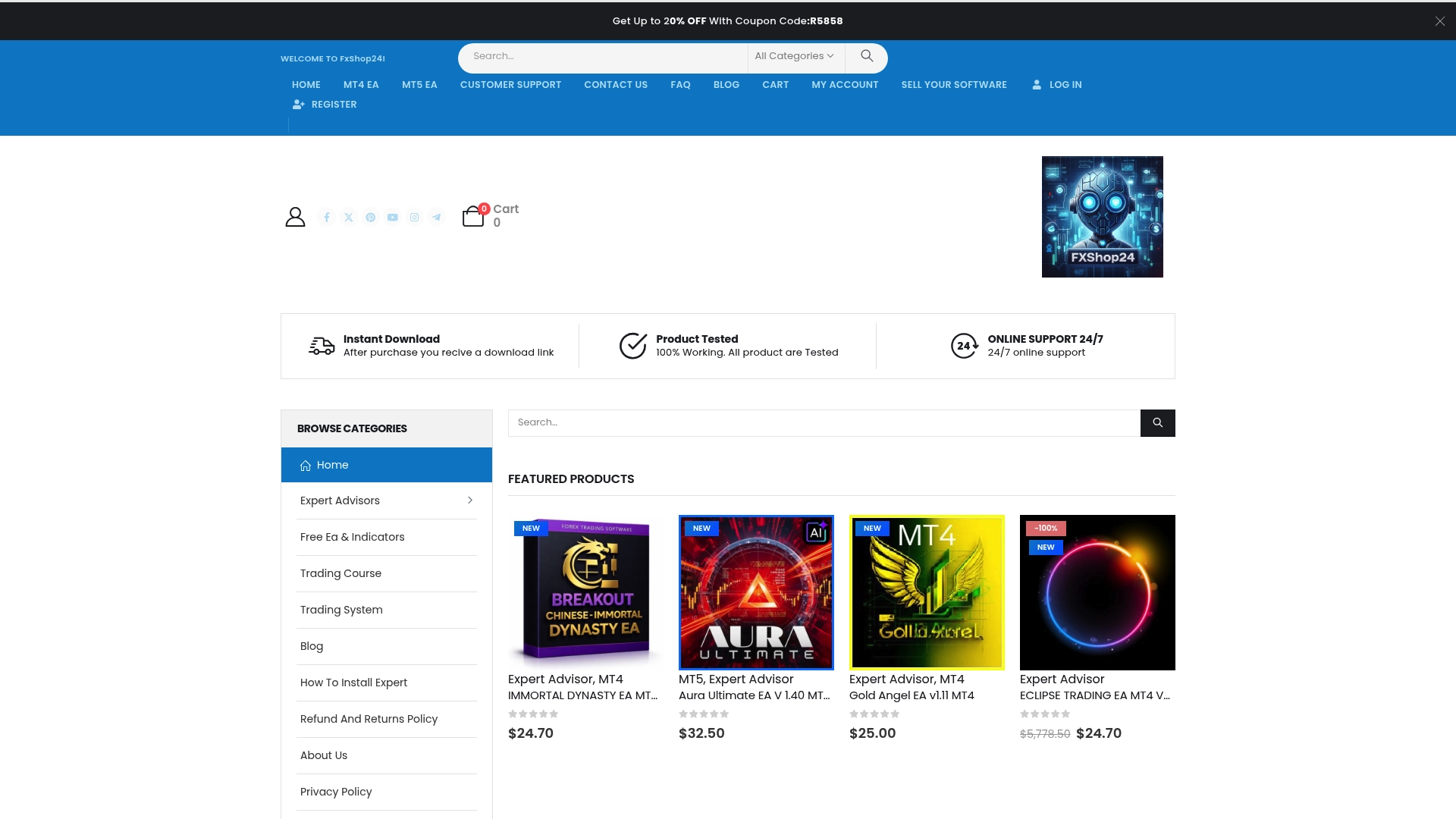
Our product catalog includes prop firm-compatible EAs, AI-powered solutions like the AI Trading Bot V3.0, and detailed performance documentation to support every step of your checklist process. Every product comes with lifetime updates, installation support, and real test data, so you can validate before you commit. Stop guessing. Start automating with a foundation built on process, not luck.
Frequently asked questions
What is the first step in automating my trading system?
Start by clearly defining your trading objectives and risk tolerance, as these decisions shape every configuration choice you’ll make. Proper risk management must be baked into the plan before you build or buy anything.
How often should I update my automated trading checklist?
Review and update your checklist at least monthly, or immediately after major market changes, broker updates, or system issues arise. Consistent post-launch monitoring is what keeps performance from quietly degrading over time.
Are there differences in automating forex versus gold trading on MT4/MT5?
Yes, gold has distinct volatility profiles, spread behavior, and liquidity windows that require different risk parameters and execution logic compared to major forex pairs. Treat them as separate strategy environments, not interchangeable markets.
Do I need programming skills to use automated trading checklists?
You can implement most checklist steps using ready-made tools and templates without writing any code. However, note that commercial bots offer faster deployment but less customization than custom EAs, so programming skills become valuable if your strategy has specific requirements.
How do I know if my automation is working correctly?
Monitor trade logs and performance metrics daily during the first two weeks, and use demo or small live accounts before scaling capital. Consistent post-launch monitoring across win rate, profit factor, and drawdown is the most reliable indicator of system health.