4
Mar
Guide to optimizing automated trading on MT4 and MT5: Boost profits 30%
Many retail forex traders struggle with automated strategies that underperform despite initial promise. Even the best Expert Advisors can underperform by 30-40% in live trading without proper optimization. This guide provides step-by-step instructions to enhance EA performance on MT4 and MT5 through systematic testing, risk management, and continuous refinement. You’ll learn essential prerequisites, optimization techniques, performance metrics, and how to avoid common pitfalls that drain capital.
Table of Contents
- Prerequisites And Setup For Automated Trading Optimization
- Step-By-Step Process For Optimizing Expert Advisors
- Risk Management Strategies In Automated Trading
- Common Mistakes And Troubleshooting In Optimization
- Expected Results And Performance Metrics
- Explore Top Automated Trading Solutions And Tools
- Frequently Asked Questions About Optimizing Automated Trading
Key takeaways
| Point | Details |
|---|---|
| Poor optimization reduces live trading returns by 30-40% compared to backtest results | Proper testing and parameter tuning are essential for consistent profitability |
| MT5 offers superior optimization capabilities over MT4 | Multi-threaded backtesting and cloud optimization dramatically speed the process |
| Risk management settings determine strategy sustainability | Stop-loss, lot sizing, and drawdown limits protect capital over time |
| Overfitting is the most common optimization failure | Forward testing on unseen data prevents curve-fitted strategies |
| Continuous monitoring maintains strategy effectiveness | Market conditions change, requiring periodic re-optimization |
Prerequisites and setup for automated trading optimization
Before optimizing your automated strategies, you need the right tools and environment configured properly. Automating trading on MT4 and MT5 using Expert Advisors enables 24/7 trading with VPS and faster execution for consistency. Start by installing MetaTrader 4 or 5 with full Strategy Tester access enabled. Download the platform directly from your broker or MetaTrader’s official site.
Your broker selection impacts optimization quality significantly. Choose a broker offering low latency execution, tight spreads, and reliable MT4/MT5 compatibility. Look for brokers providing historical tick data for accurate backtesting. Poor data quality leads to misleading optimization results that fail in live markets.
A Virtual Private Server ensures your Expert Advisors run without interruption. VPS hosting eliminates downtime from power outages, internet failures, or computer restarts. This 24/7 uptime is critical for strategies trading multiple sessions or requiring constant market monitoring.
Understand the difference between Expert Advisors and scripts before proceeding. EAs execute trades automatically based on programmed logic, while scripts perform one-time actions. EAs are what you’ll optimize for sustained automated trading. The MT4 vs MT5 comparison reveals important differences affecting optimization methods and capabilities.
Key setup requirements include:
- Platform installation with Strategy Tester access verified
- Broker account with reliable execution and quality historical data
- VPS subscription for uninterrupted 24/7 operation
- Basic understanding of EA parameters and inputs
- Familiarity with your chosen EA’s trading logic and objectives
Step-by-step process for optimizing expert advisors
Start by selecting an EA aligned with your trading goals, risk tolerance, and preferred currency pairs. Different EAs suit different market conditions and timeframes. Scalping EAs require low spreads and fast execution, while swing trading EAs need stable trending conditions. Match your EA to your account size and experience level.
Open the Strategy Tester in MT4 or MT5 through View > Strategy Tester or press Ctrl+R. Select your EA from the dropdown menu, choose your currency pair, and set the timeframe. Configure the testing model carefully. Every Tick Based on Real Ticks provides the most accurate results, though it runs slower than other models. Avoid Open Prices Only, which oversimplifies price action and produces unreliable results.
Set your date range for backtesting. Use at least two years of historical data to capture various market conditions including trends, ranges, and volatility spikes. Split your data into optimization and forward testing periods. Use 70% for optimization and reserve 30% for validation. This prevents overfitting to specific historical patterns.
MT5 supports multi-threaded and cloud optimization, whereas MT4 has single-thread backtesting. In MT5, enable genetic algorithms to test parameter combinations efficiently. Genetic optimization mimics natural selection, keeping promising parameter sets and discarding poor performers. This approach tests thousands of combinations in hours rather than days.
Follow this optimization sequence:
- Run initial backtest with default parameters to establish baseline performance
- Identify which parameters most impact results through sensitivity analysis
- Set reasonable ranges for each parameter based on market logic
- Launch optimization run using genetic algorithm with multi-threading enabled
- Review optimization results sorted by profit factor and drawdown
- Select top 3-5 parameter sets balancing profitability with manageable risk
- Forward test each set on the reserved out-of-sample data period
- Choose the set performing best in forward testing, not just optimization
Pro Tip: Never select parameters solely based on highest profit. Look for consistent returns across different market periods with controlled drawdowns under 15%. A strategy earning steady 5% monthly with 10% drawdown beats one gaining 15% monthly with 40% drawdown.
After selecting optimized parameters, test on a demo account for at least two weeks. Monitor how the EA handles live market conditions, slippage, and broker execution quality. Only after successful demo trading should you deploy on a live account. Start with minimum lot sizes until you verify real money performance matches expectations.
Deploy your optimized EA on your VPS for continuous operation. Understanding the benefits of Expert Advisors and algorithmic trading strategies helps you select the right approach. Learn more about how to automate forex trades with MT4 and MT5 for complete implementation guidance.
Markets evolve constantly, so re-optimization is essential. Schedule quarterly reviews of EA performance and re-run optimization when drawdowns exceed historical norms or profit patterns change significantly.
Risk management strategies in automated trading
Optimization without proper risk controls creates profitable backtests that blow up live accounts. Every EA must include stop-loss, take-profit, and lot size parameters configured to protect your capital. Set risk management with Expert Advisors as your top priority alongside profitability.
Configure stop-loss distances based on average true range or volatility measures, not arbitrary pip counts. A 50-pip stop might work perfectly on EUR/USD but be too tight for GBP/JPY. Dynamic stops adapting to current market conditions outperform static values. Take-profit targets should maintain at least 1.5:1 reward-to-risk ratios for sustainable profitability.

Lot sizing determines how much capital you risk per trade. Never risk more than 1-2% of account equity on any single position. Calculate lot sizes dynamically based on stop-loss distance and account balance. Fixed lot sizing ignores account growth and changing market volatility, leading to either under-leveraged or over-leveraged positions.
Monitor maximum drawdown limits religiously. Drawdown measures peak-to-valley decline in account equity. Keep maximum drawdown under 15% for conservative strategies and under 25% even for aggressive approaches. Exceeding these thresholds signals strategy failure requiring immediate intervention.
Value at Risk (VaR) metrics estimate potential losses over specific time periods with given confidence levels. Calculate daily or weekly VaR to understand downside exposure. If VaR suggests possible 10% account loss in a week, reduce position sizes or implement additional filters.
Implement these risk controls:
- Daily loss limits halting trading after losing 3-5% in one day
- Volatility filters pausing trades when ATR exceeds historical norms
- Trade frequency caps preventing over-trading during choppy conditions
- Correlation checks avoiding multiple correlated positions magnifying risk
- News event filters closing positions before major announcements
Pro Tip: Add a maximum consecutive loss parameter to your EA. If the strategy loses five trades in a row, pause trading for 24 hours. This simple rule prevents emotional revenge trading by algorithms that may be experiencing temporary adverse conditions.
Performance metrics like Sharpe ratio and profit factor indicate risk-adjusted returns. Sharpe ratio above 1.0 shows returns justifying the volatility risk taken. Profit factor above 1.5 means gross profits exceed gross losses by at least 50%, demonstrating edge. Track these metrics weekly to catch degrading performance early.
Some advanced EAs incorporate AI-based risk filters or sentiment analysis to refine exposure dynamically. These tools analyze news, market positioning, or price action patterns to adjust risk automatically. While powerful, they require careful testing to ensure they enhance rather than complicate your strategy.
Common mistakes and troubleshooting in optimization
Overfitting destroys more automated strategies than any other mistake. You create an overfitted strategy when parameters fit historical data so perfectly that they capture random noise rather than genuine market patterns. These strategies show spectacular backtest results but fail immediately in live trading. The solution is rigorous forward testing on data the EA never saw during optimization.
Ignoring forward testing and live validation steps creates false confidence. Always reserve 20-30% of your historical data for forward testing. If optimized parameters perform poorly on this unseen data, they’re likely overfitted. Run extended demo testing before risking real capital. Two weeks of successful demo trading provides more confidence than two years of backtesting.
Using wrong testing models distorts accuracy dramatically. Open Prices Only model tests only one price per bar, missing 99% of intrabar price action. This produces unrealistically perfect entries and exits impossible to achieve in real trading. Always use Every Tick Based on Real Ticks or at minimum Every Tick modes for reliable results.
Neglecting risk parameter configuration during optimization focuses solely on profit maximization while ignoring capital preservation. Optimize for risk-adjusted returns, not absolute profits. A strategy earning 100% annually with 60% drawdowns will destroy your account eventually. Target consistent returns with controlled drawdowns.
Not using VPS results in missed trades, partial fills, and strategy failures. Your computer must run 24/7 for automated trading to work properly. Any downtime means missed opportunities or worse, open positions left unmanaged. VPS hosting eliminates this risk for minimal monthly cost.
Failing to adapt or re-optimize as markets change allows strategy degradation over time. Market dynamics shift due to regulatory changes, participant behavior, or economic cycles. Yesterday’s optimized parameters become today’s losing settings. Schedule regular optimization reviews and adjust parameters when performance metrics decline.
Common pitfalls in MT4 and MT5 optimization also include:
- Testing with insufficient historical data covering only favorable market conditions
- Optimizing too many parameters simultaneously, expanding the search space exponentially
- Ignoring spread and commission costs in backtest settings
- Using tick data from unreliable sources with gaps or errors
- Deploying optimized strategies without verifying broker execution quality
“The biggest mistake traders make is assuming backtested profits will repeat in live trading without accounting for slippage, spread widening, and execution delays that erode returns in real market conditions.”
Expected results and performance metrics
Set realistic expectations before deploying optimized strategies. Professional traders targeting 10-20% annual returns with controlled drawdowns sustain long-term success. Chasing 100% monthly gains leads to excessive risk and inevitable account destruction. Understand that even perfectly optimized strategies experience losing periods.
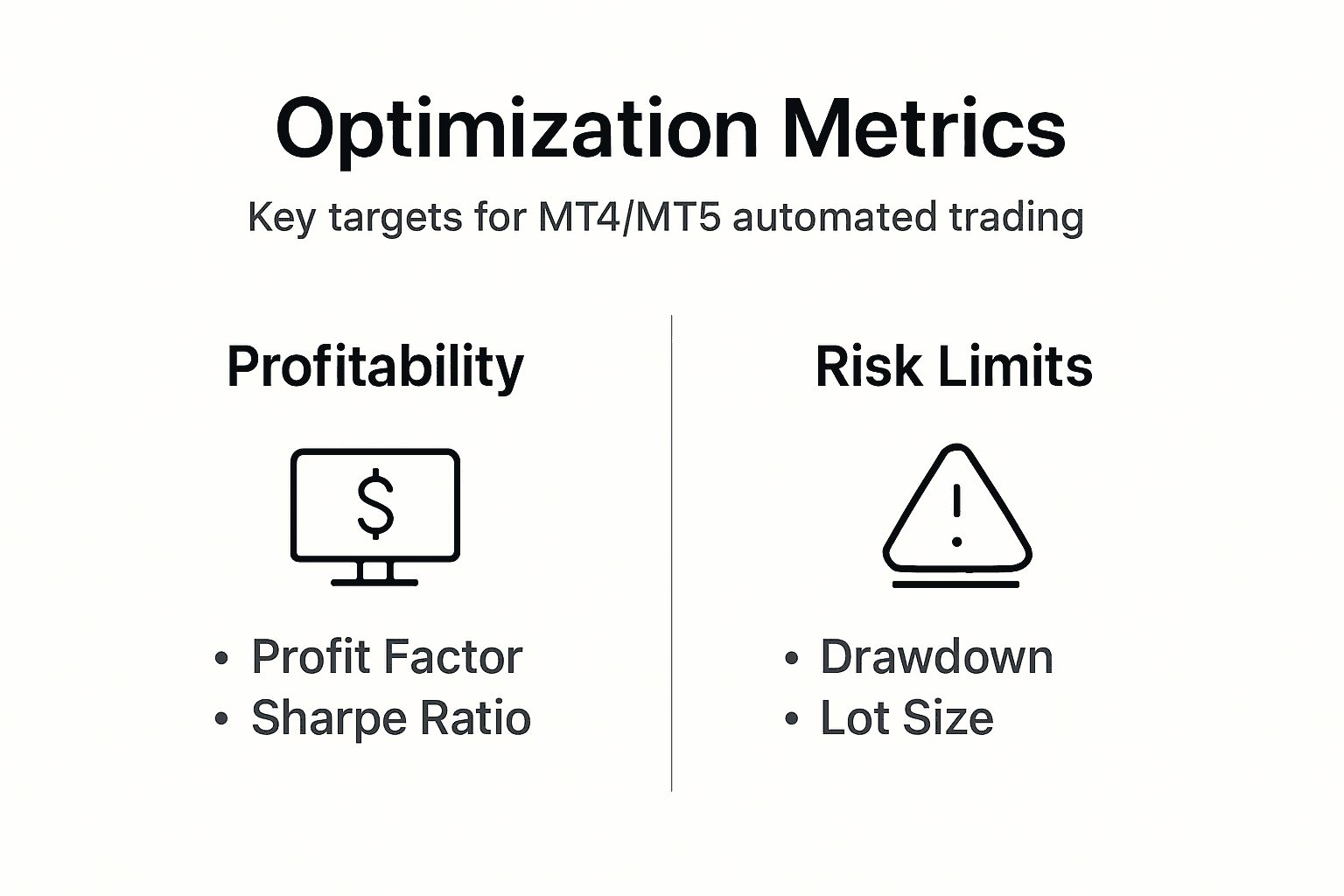
Aim for profit factor above 1.5 as your primary profitability metric. Profit factor divides gross profits by gross losses. A 1.5 profit factor means you earn $1.50 for every $1.00 lost. Strategies with profit factors below 1.2 often fail to overcome spread costs and slippage in live trading. Elite strategies achieve profit factors between 2.0 and 3.0.
Keep maximum drawdown under 15% for sustainable risk profiles. Drawdown measures the largest peak-to-valley decline in equity. Larger drawdowns require exponentially larger returns to recover. A 50% drawdown needs 100% gains just to break even. Conservative traders target maximum drawdowns under 10%.
Sharpe ratio above 1.0 signals good risk-adjusted returns. This metric divides average returns by return volatility. Higher Sharpe ratios indicate smoother equity curves with less volatility. Strategies with Sharpe ratios below 0.5 expose you to excessive volatility for the returns achieved. Professional trading systems often maintain Sharpe ratios between 1.5 and 2.5.
ROI timelines vary based on strategy type and risk parameters. Scalping EAs may generate daily returns but require constant monitoring and low spreads. Swing trading strategies produce less frequent signals but capture larger moves. Expect 6-12 months of data collection before confidently assessing any strategy’s true performance potential.
Monitor discrepancies between backtest and live performance closely. Some difference is normal due to slippage, spread variation, and execution delays. If live results underperform backtests by more than 20-30%, investigate immediately. Common causes include poor broker execution, inadequate VPS resources, or EA coding errors.
Key trading performance metrics to track weekly:
| Metric | Target Range | Warning Level |
|---|---|---|
| Profit Factor | Above 1.5 | Below 1.2 |
| Maximum Drawdown | Under 15% | Above 20% |
| Sharpe Ratio | Above 1.0 | Below 0.5 |
| Win Rate | 40-60% | Below 35% |
| Average Win/Loss Ratio | Above 1.5 | Below 1.0 |
| Monthly Return | 5-15% | Negative for 2 months |
Continuous evaluation maintains strategy edge as market conditions evolve. Review performance metrics weekly and conduct full re-optimization quarterly. When any metric falls into warning levels, pause live trading and investigate root causes. Markets change, and successful traders adapt their strategies accordingly.
Explore top automated trading solutions and tools
Having mastered optimization techniques, you’re ready to explore proven automated solutions designed specifically for MT4 and MT5 platforms. FxShop24 offers carefully selected automated trading systems tested across various market conditions. These systems come with detailed performance histories and optimization guidelines to accelerate your success.
Discover how Expert Advisors benefits extend beyond simple automation to include disciplined execution, emotion-free trading, and consistent strategy application. Our platform features proprietary EAs, AI-powered robots, and premium systems marketed with verified performance records and prop firm compatibility.
Explore AI trading tools that enhance risk management and execution quality through machine learning algorithms. These advanced solutions adapt to changing market conditions, providing dynamic optimization that manual approaches cannot match. Access comprehensive guides, product reviews, and installation support to choose software matching your trading objectives and risk tolerance.
Frequently asked questions about optimizing automated trading
How often should I re-optimize my Expert Advisor?
Re-optimize your EA quarterly or when performance metrics decline by 20% from historical averages. Market conditions change gradually, so scheduled reviews every three months catch deteriorating performance early. Immediate re-optimization is warranted if maximum drawdown exceeds historical levels by 50% or monthly returns turn negative for two consecutive months.
What is the best testing model to use in MT4/MT5?
Every Tick Based on Real Ticks provides the most accurate backtesting results by simulating actual price movements within each bar. This model captures realistic entries, exits, and stop-loss hits that simpler models miss. While slower than other options, the accuracy justifies the additional computation time for serious optimization work.
How does VPS impact automated trading performance?
VPS hosting ensures 24/7 uptime, eliminating missed trades from computer shutdowns, internet outages, or power failures. Low-latency VPS located near broker servers reduces execution delays by 50-200 milliseconds, improving fill prices and reducing slippage. This consistent operation is essential for strategies trading multiple sessions or requiring constant market monitoring.
Can I use multiple EAs simultaneously in MT5?
Yes, MT5 supports running multiple EAs on different charts simultaneously without interference. Each EA operates independently with its own parameters and risk controls. However, monitor total account exposure carefully, as multiple EAs can create correlated positions that magnify risk. Implement account-wide risk limits preventing combined positions from exceeding safe leverage levels.
What are the warning signs of overfitting in backtests?
Overfitted strategies show exceptional backtest results but fail in forward testing on unseen data. Warning signs include profit factors above 5.0, win rates exceeding 80%, or equity curves with impossibly smooth growth. If optimized parameters perform 30% worse on forward test data compared to optimization period, overfitting is likely. Always validate with rigorous out-of-sample testing before live deployment.