


21
Feb
How to Evaluate Trading Robots for Profitable Results
Trading robots promise consistent gains, but every experienced trader knows the reality is more complicated. In the world of automated strategies for Forex and Gold, setting up a proper testing environment and using out-of-sample validation makes the difference between sustainable profit and costly surprises. This guide offers practical steps to reliably evaluate any trading robot, from configuring MetaTrader platforms with accurate data to understanding critical prop firm compatibility requirements.
Table of Contents
- Step 1: Set Up Your Testing Environment
- Step 2: Assess Robot Performance Data
- Step 3: Verify Prop Firm Compatibility
- Step 4: Test Live Trading Scenarios
Quick Summary
| Key Insight | Explanation |
|---|---|
| 1. Set up a reliable testing environment | Install MetaTrader 4 or 5 and ensure proper historical data for accurate performance evaluation. |
| 2. Analyze performance metrics thoroughly | Focus on total return, win rate, drawdown, and the Sharpe ratio to assess a robot’s profitability and risk. |
| 3. Confirm prop firm compliance | Review your proprietary firm’s rules regarding automated trading to ensure your robot meets their requirements before using it. |
| 4. Test in live conditions with real data | Use a demo account to simulate live trading and observe actual performance compared to backtest results. |
| 5. Document your trading observations | Keep a trading journal during demo testing to track unexpected behaviors and refine your robot’s strategies before going live. |
Step 1: Set up your testing environment
Before you risk real money on any trading robot, you need a dedicated space to test its performance under controlled conditions. Your testing environment is where you’ll validate whether a robot actually works or just looks good on paper.
Start by installing MetaTrader 4 or MetaTrader 5 on your computer. Most trading robots operate on one of these platforms, so you’ll want the version that matches your chosen robot. Download the platform directly from your broker’s website to ensure compatibility.
Next, you need historical price data. MetaTrader comes with some built-in data, but you’ll want the most complete dataset possible. Access your platform’s data center and download tick data for the currency pairs and gold you plan to trade. Going back at least 3-5 years gives you enough market cycles to test through different conditions.
Following step-by-step backtesting configuration guidance ensures you set up your simulator correctly. Configure your platform to use the data you downloaded and select realistic spreads and commissions that match your broker’s actual costs.
Choose the timeframes you’ll trade. If your robot operates on the 4-hour chart, test it on 4-hour data. Testing on the wrong timeframe will give you completely misleading results.
Here are your key setup checklist items:
- Download MetaTrader 4 or 5 compatible with your broker
- Import complete historical price data (minimum 3-5 years)
- Set spreads and commissions to real broker levels
- Select your target trading timeframe
- Verify the platform recognizes your robot’s Expert Advisor file
Set up your testing environment with real broker costs built in, or your backtest results will be fantasy numbers that disappear in live trading.
Pro tip: Create a separate MetaTrader profile just for testing, leaving your live trading profile untouched. This prevents accidental live trades while you’re optimizing robot settings.
Step 2: Assess robot performance data
Now that your testing environment is running, you’ll examine the actual results your robot generated. This step separates robots that genuinely profit from those that simply got lucky during a specific market period.
Start by looking at total return and win rate. A robot showing 200% returns over five years sounds great until you realize it won only 35% of its trades. High win rates matter less than profitable winners outweighing losing trades, so don’t get seduced by that number alone.

Next, examine drawdown, which measures the largest peak-to-valley decline your account experienced. If a robot shows 15% total returns but experienced a 45% drawdown, you’d have lost nearly half your money at the worst point. Most traders cannot psychologically handle that kind of pain, so be honest about what drawdown you can tolerate.
Calculate the Sharpe ratio, a metric showing risk-adjusted returns. Research emphasizing robust validation techniques confirms that Sharpe ratio reveals whether your robot’s profits actually compensate for the risk taken. A Sharpe ratio above 1.0 is solid; above 2.0 is exceptional.
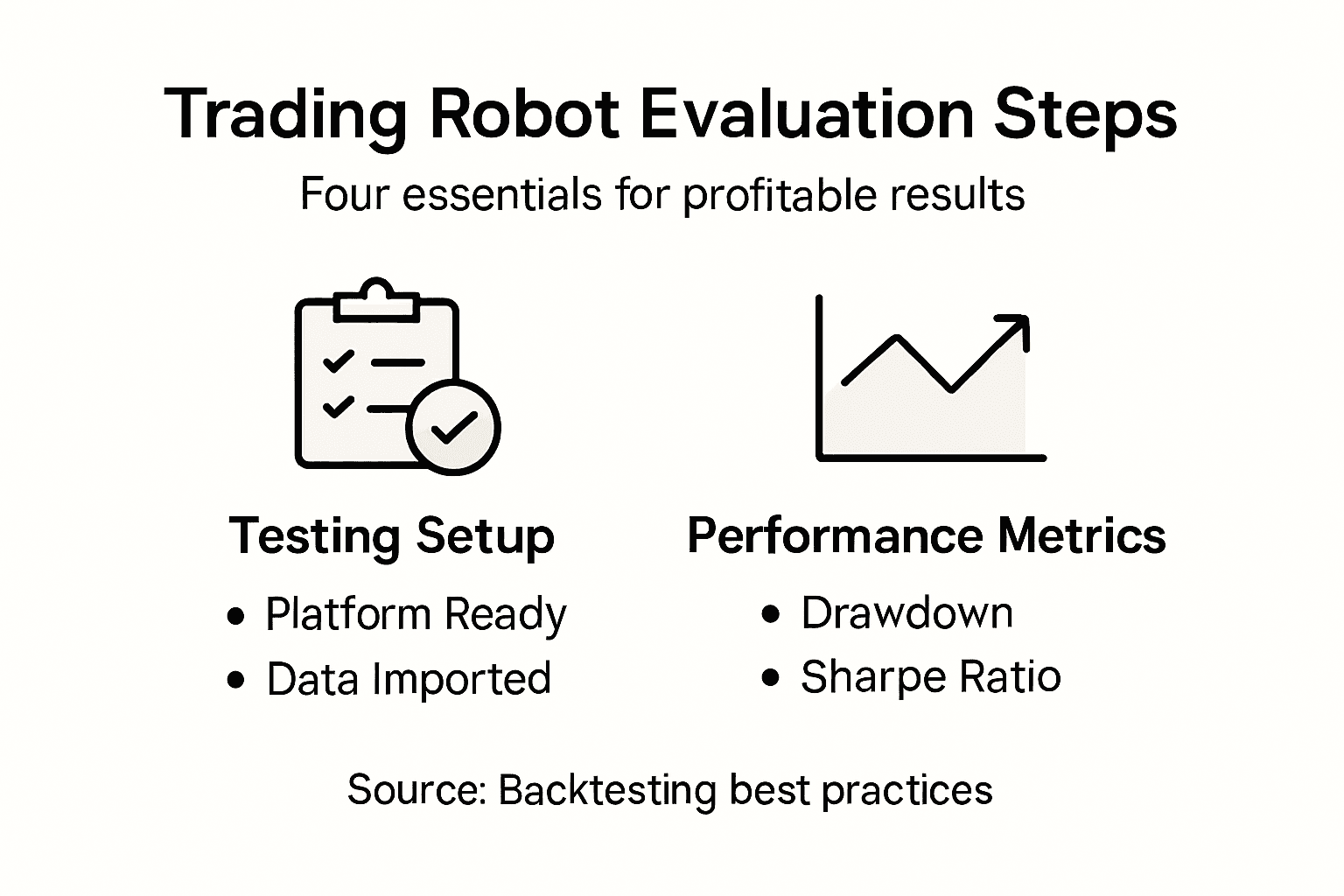
Here’s what to analyze in your backtest results:
Here’s a summary of key performance metrics to evaluate trading robots:
| Metric | What It Measures | Why It Matters |
|---|---|---|
| Total Return | Overall profit/loss over period | Indicates long-term profitability |
| Win Rate | Percentage of winning trades | Assesses trade consistency |
| Drawdown | Largest equity loss from a peak | Reveals risk level to capital |
| Sharpe Ratio | Return earned per unit of risk | Shows risk-adjusted performance |
| Profit Factor | Average win divided by average loss | Reflects trade quality |
- Total return and annualized return percentage
- Win rate and profit factor (average win divided by average loss)
- Maximum drawdown in both dollars and percentage
- Sharpe ratio and Sortino ratio
- Number of trades and average trade duration
One critical mistake traders make is trusting results on the same data used for optimization. Test your robot on out-of-sample data to verify it works on price action it has never seen before. If performance collapses on new data, your robot is overfitted and will fail in live trading.
A robot performing perfectly on backtest data but poorly on out-of-sample validation is a warning sign, not a success story.
Pro tip: Track the robot’s monthly returns in your backtest results; consistent small monthly gains beat volatile huge months followed by crashes.
Step 3: Verify prop firm compatibility
If you’re planning to use your robot with a proprietary trading firm, you need to confirm it actually complies with their rules before you commit time and money. Many traders assume their backtested robot will work seamlessly in a prop firm challenge, only to discover restrictions that make it unusable.
First, read your prop firm’s automation policy carefully. Some firms explicitly prohibit automated trading entirely, while others allow it under strict conditions. Understanding prop firm rules on trading robots reveals whether your specific robot qualifies or violates their terms.
Check the maximum daily loss limit your prop firm enforces. Many robots are designed to trade aggressively, accepting larger drawdowns to capture bigger wins. If your firm stops you out after losing 5% daily but your robot typically experiences 8% daily swings, you’ve got a fundamental incompatibility.
Verify position sizing rules. Some firms restrict the number of open positions or maximum lot sizes. A robot optimized to run five simultaneous trades might violate your firm’s single-trade limit, forcing it to skip profitable setups.
Test your robot on a demo account using the exact conditions your prop firm will enforce. Demo accounts often lack spreads and slippage that exist in live trading, creating an illusion of performance. Transition difficulties to live prop accounts happen because robots behave differently when real costs apply.
Key compatibility checkpoints:
- Confirm automation is permitted in your prop firm’s terms
- Compare robot’s daily loss tolerance to firm’s loss limits
- Verify position sizing aligns with firm restrictions
- Check if the robot requires specific MT4 or MT5 features your firm supports
- Confirm the robot doesn’t use prohibited strategies like scalping or news trading
A robot that crushes backtest results but violates prop firm rules is worthless to your trading goals.
Pro tip: Contact your prop firm’s support team directly before running your robot in their challenge; get written confirmation that your specific EA complies with their current rules.
Step 4: Test live trading scenarios
Backtesting shows you what your robot could have done in the past. Live scenario testing reveals what it will actually do when real money and real market volatility enter the equation. This step bridges the dangerous gap between historical performance and real-world results.
Start with a demo account using your broker’s live data feed. Unlike backtests, demo accounts experience real spreads, actual market latency, and genuine slippage. Your robot’s performance will likely differ from backtest results because it’s now operating under authentic trading conditions.
Run your robot for at least 4 to 6 weeks on demo. This timeframe captures different market phases and gives you enough trades to evaluate consistency. If your robot shows 15 trades in backtesting but generates 200 trades in live conditions, something fundamental has changed in how it operates.
Monitor real-time market conditions and adaptability during live simulation. Markets evolve constantly, and your robot’s ability to adjust to changing volatility, trend strength, and liquidity matters far more than static backtest numbers. A robot that thrived in last year’s sideways market might struggle in this year’s trending environment.
Track these specific metrics during live demo testing:
- Actual drawdown versus backtested expectations
- Entry and exit slippage on each trade
- Win rate on live data versus backtest results
- Number of trades executed (compare to backtest frequency)
- Emotional impact watching real money moves on screen
Compare your live demo results directly to your backtest results. Large discrepancies signal that your robot was overfitted or that live testing reveals gaps between backtests and real performance. If demo results closely match backtest results across multiple weeks, you’ve got legitimate confidence.
Notice how your emotions respond to live trading. Backtests are emotionless, but watching your account swing up and down in real time triggers stress. If you cannot psychologically handle the swings during demo trading, live trading will be infinitely harder.
The table below highlights common pitfalls and effective solutions when preparing for live robot trading:
| Common Pitfall | Solution | Benefit |
|---|---|---|
| Ignoring real broker costs | Simulate live commissions | Achieves realistic results |
| Overfitting backtest data | Use out-of-sample validation | Confirms true strategy strength |
| Ignoring prop firm rules | Review and match firm policies | Avoids disqualifications |
| Emotional stress untested | Practice on demo with real data | Prepares for live pressure |
Demo trading with real market data under real emotional conditions reveals truths that backtests never will.
Pro tip: Document your daily observations in a trading journal during the demo phase, noting unexpected market behavior and how your robot responded; this becomes your troubleshooting guide before going live.
Boost Your Trading Success With Verified Automated Solutions
Evaluating trading robots can be overwhelming when facing challenges like realistic backtesting, navigating prop firm rules, and surviving live market conditions. If you want to move beyond guesswork and avoid costly mistakes such as overfitting or ignoring drawdown, it is critical to partner with trading systems proven for real-world performance. FxShop24 offers a wide selection of expertly crafted expert advisors designed for MetaTrader 4 and MetaTrader 5 that focus on robust backtesting, prop firm compatibility, and live market adaptability.
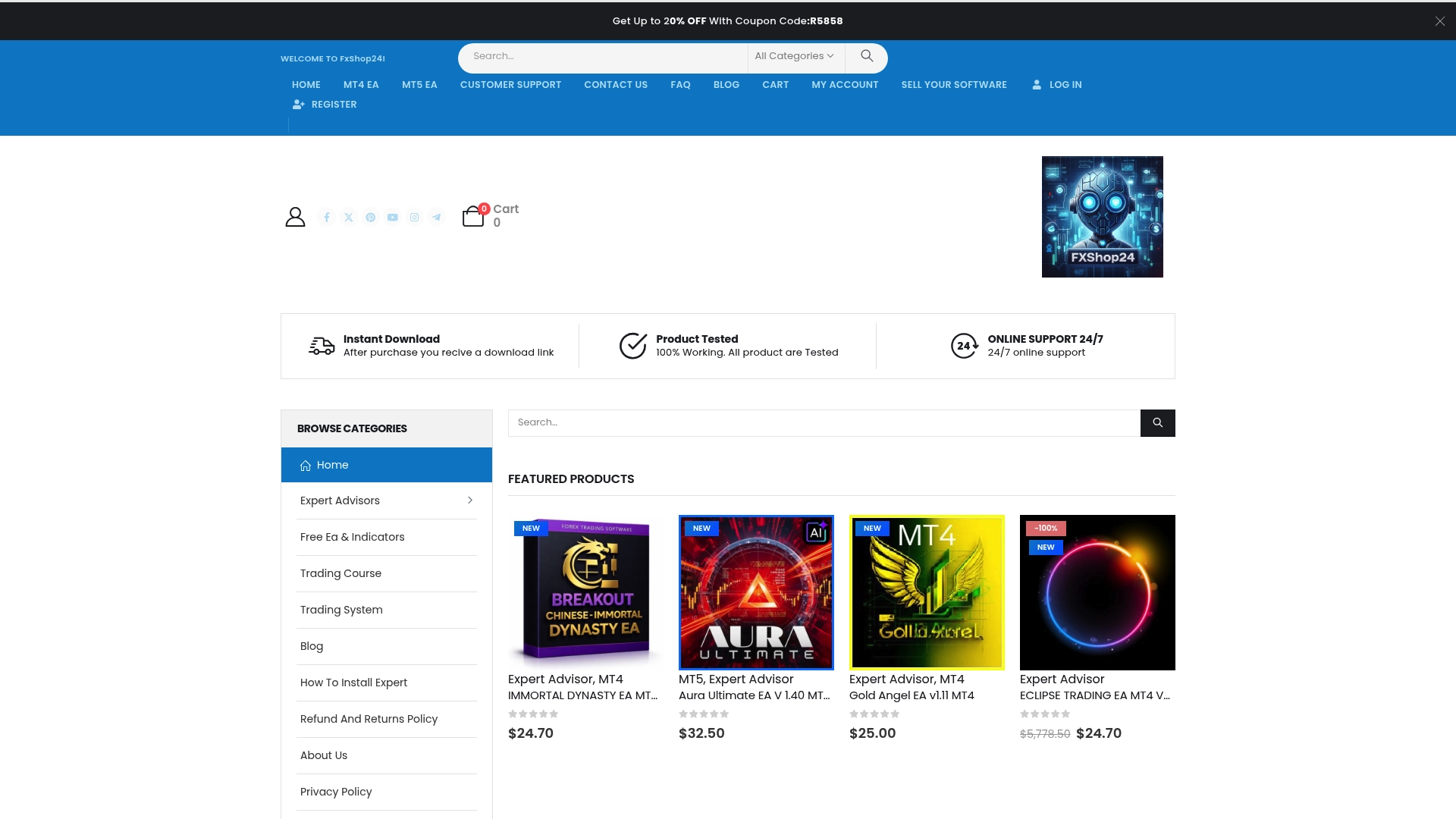
Take control of your trading journey now by exploring premium automated trading software at FxShop24 where you get instant downloads, lifetime updates, and unlimited licenses. Our platform helps you test and deploy AI-powered robots and trading systems that match the stringent criteria outlined in the article such as realistic spread simulation, out-of-sample validation, and risk management aligned with prop firm requirements. Don’t risk unreliable robots when proven solutions are within reach. Begin your path to profitable automated trading today with expert advisors and tools from FxShop24, and experience the difference that verified, prop firm-ready EAs can make.
Frequently Asked Questions
How do I set up a testing environment for my trading robot?
To set up a testing environment, download MetaTrader 4 or MetaTrader 5 from your broker’s website and import at least 3-5 years of comprehensive historical price data. Then, adjust the spreads, commissions, and timeframes to match real market conditions for effective backtesting.
How can I assess the performance data of a trading robot?
Review key metrics such as total return, win rate, drawdown, and Sharpe ratio. This analysis helps you determine if the robot is genuinely profitable or simply benefitting from favorable market conditions; aim for a Sharpe ratio above 1.0 to ensure good risk-adjusted returns.
What factors should I verify to ensure my trading robot is compatible with a proprietary trading firm?
Check your prop firm’s automation policies, maximum daily loss limits, and position sizing rules to ensure your robot complies. Confirm these details before running your robot to avoid disqualifications during challenges and to align with your firm’s specific requirements.
How can I effectively test my trading robot in live market scenarios?
Start by running your robot on a demo account with real market conditions for 4 to 6 weeks. This duration allows you to assess its performance under various market conditions and understand how real market influences, like spreads and latency, affect its trading behavior.
What common mistakes should I avoid when evaluating trading robots?
Avoid trusting backtest results that rely on the same data used for optimization, and ensure your robot runs under real broker costs. Double-check for emotional impacts during demo trading; if you find it stressful, prepare for similar challenges in live trading.
How can documenting my observations during demo testing help in evaluating a trading robot?
Keeping a daily trading journal during demo testing helps you track unexpected market behaviors and the robot’s responses. This record becomes a valuable troubleshooting resource for refining your robot’s strategy before transitioning to live trading.