
7
Apr
Why choose MT4 for automation: benefits for serious traders
TL;DR:
- MT4’s stability, low resource use, and built-in backtesting make it ideal for automated trading.
- Its extensive community, wide broker support, and large library of pre-made EAs ensure reliable, scalable automation.
- Traders prefer MT4 to newer platforms due to proven reliability, ease of use, and minimized migration risks.
MetaTrader 4 has been called outdated more times than most traders can count, yet it still powers millions of automated strategies across Forex and gold markets worldwide. The assumption that newer always means better is one of the most expensive mistakes in trading technology. MT4’s automation ecosystem, built around MQL4 scripting and a massive global community, gives traders something newer platforms struggle to replicate: proven reliability at scale. This guide breaks down exactly why MT4 holds its ground, how expert advisors and custom tools work together, and what you need to know before choosing a platform for serious automated trading.
Table of Contents
- What makes MT4 ideal for automated trading?
- MT4 vs. other trading automation platforms
- The role of expert advisors (EAs) in MT4 automation
- Plug-ins, indicators, and tools: Expanding MT4 automation
- Why MT4 remains unbeatable for automation: Our take
- Getting started with automated trading on MT4
- Frequently asked questions
Key Takeaways
| Point | Details |
|---|---|
| MT4’s lasting appeal | MT4 remains a leading automation choice for Forex and gold traders because of its ease-of-use, stability, and vast tool library. |
| Expert advisors power automation | EAs in MT4 let traders run strategies around the clock, minimizing emotional decision making and maximizing consistency. |
| Learning MQL4 is accessible | Traders of all experience levels can start automating in MT4 thanks to MQL4’s approachable scripting language. |
| Custom tools expand possibilities | MT4’s ecosystem of indicators, plug-ins, and scripts allows deep customization and advanced strategy automation. |
What makes MT4 ideal for automated trading?
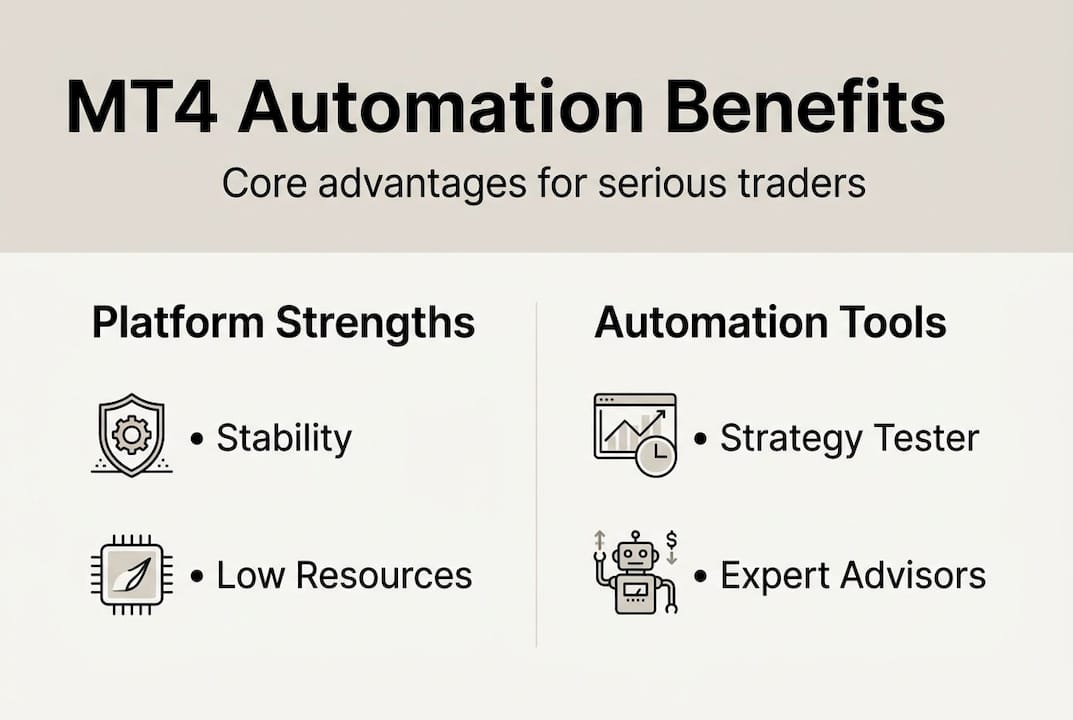
MT4’s staying power is not nostalgia. It is architecture. The platform was designed with stability and low resource consumption in mind, which means it runs efficiently on virtual private servers (VPS), a critical factor when your EA needs to execute trades 24 hours a day without interruption. A VPS is a remote computer that keeps your trading software running even when your own machine is off. That combination of low overhead and reliable uptime is something many newer platforms still struggle to match.
The MT4 software benefits go well beyond just stability. The platform ships with a built-in strategy tester that lets you run historical backtests on any EA before you risk a single dollar of real capital. You can test across multiple timeframes, adjust parameters, and generate detailed performance reports. This is not a feature you add on. It is baked into the core platform.
The scripting language, MQL4, is the engine behind all of this. MQL4 is easier to learn for procedural scripting and is suitable for most Forex automation needs without requiring the object-oriented programming (OOP) complexity found in newer languages. Procedural scripting means you write instructions in a straightforward, step-by-step format. For most Forex and gold strategies, that is all you need.
Key MT4 automation advantages include:
- Lightweight performance: Runs smoothly on low-spec VPS environments
- Built-in backtesting: Test strategies on historical data without third-party tools
- Massive code library: Thousands of free and paid MQL4 scripts available
- Broker compatibility: Supported by hundreds of brokers globally
- Active forums: Constant community-driven development and troubleshooting
When you start automating trades with MT4, you are plugging into an ecosystem built over two decades. That depth of community support is not something a newer platform can manufacture overnight.
Pro Tip: Use MT4’s built-in strategy tester with real tick data for the most accurate backtesting results. Modeling quality above 90% significantly improves the reliability of your performance projections when optimizing MT4 automation.
MT4 vs. other trading automation platforms
Now that we’ve defined MT4’s strengths, how does it compare with other platforms? The honest answer is that each platform has a specific audience, and MT4 wins decisively for traders who want automation without a steep learning curve.
| Feature | MT4 | MT5 | cTrader |
|---|---|---|---|
| Scripting language | MQL4 (procedural) | MQL5 (OOP) | C# (complex) |
| Backtesting engine | Built-in, reliable | Advanced, multi-threaded | Built-in, solid |
| EA/tool ecosystem | Massive | Growing | Moderate |
| Broker support | Widest | Growing | Limited |
| Learning curve | Low | Medium-High | High |
| Community size | Largest | Medium | Smaller |
MT5 and cTrader both offer genuinely powerful features. MT5 supports more asset classes and a more advanced backtesting engine. cTrader gives algorithmic traders a cleaner interface and more precise order execution data. But both require significantly deeper coding expertise to build and manage automated strategies effectively.
“MQL4 is easier to learn and use for procedural scripting, suitable for most Forex automation needs without OOP complexity.” This distinction matters enormously for traders who want to build, test, and iterate on strategies without spending months learning a new programming paradigm.
For established Forex and gold strategies, MT4 is the more practical choice for most traders. The MT5 workflow comparison shows that while MT5 adds features, those features often solve problems that most retail traders do not actually have. Switching platforms for features you will never use is a trade-off that rarely pays off.
Key reasons traders stay with MT4 for automation:
- Wider selection of pre-built, tested EAs available immediately
- Easier to find freelance MQL4 developers for custom work
- Most brokers offering tight spreads on gold (XAUUSD) support MT4
- Faster setup time from zero to live automated strategy
The role of expert advisors (EAs) in MT4 automation
Beyond platform features, expert advisors drive most automation in MT4. An EA is a program that runs directly on your MT4 chart and executes trades automatically based on rules you define or purchase pre-built. It handles entries, exits, stop-loss placement, take-profit targets, and position sizing without any manual input from you.

The practical value here is significant. EAs let you trade 24/7 without emotional bias, which is one of the biggest edges in systematic trading. No second-guessing a signal at 3 AM. No hesitation before a stop-loss. The strategy runs exactly as designed, every time. That consistency is what separates automated traders from discretionary ones over the long run.
The guide to MT4 expert advisors covers the full setup process, but here is the core workflow for getting a basic EA running:
- Choose or build your EA: Select a pre-built EA or write one in MQL4 using MT4’s MetaEditor tool.
- Backtest on historical data: Run the strategy tester with your chosen currency pair and timeframe.
- Optimize parameters: Adjust settings like lot size, stop-loss, and indicator periods for best results.
- Forward test on a demo account: Run the EA live in a demo environment for at least two to four weeks.
- Deploy on a live account: Once results are consistent, move to a live account with appropriate risk settings.
Understanding the expert advisor benefits before you commit to a strategy saves significant time and capital. Not every EA suits every market condition, and gold trading in particular requires EAs tuned for higher volatility and wider spreads.
Pro Tip: Always test a new EA on a demo account for a minimum of one full month before going live. Market conditions change, and a short test window can give you false confidence in performance that does not hold under real conditions. Check the install expert advisor guide for a step-by-step walkthrough of the deployment process.
The MQL4 scripting approach makes it practical for traders without a software engineering background to customize EA logic or understand what a purchased EA is actually doing under the hood.
Plug-ins, indicators, and tools: Expanding MT4 automation
Once EAs are in play, specialized add-ons and tools expand what MT4 can do. The platform supports thousands of custom indicators, utility scripts, and third-party plug-ins that let you build highly specific automation rules on top of your core EA logic.
Custom indicators are the most common extension. These are visual tools that appear on your chart and can feed signals directly into your EA’s decision-making logic. Think of them as the sensory layer of your automated strategy. A volatility indicator might tell your EA to reduce position size during high-impact news events. A trend filter might prevent the EA from trading against the dominant direction.
Here is a sample of popular MT4 automation tool types:
| Tool type | Primary function | Automation benefit |
|---|---|---|
| Trend-following EA | Identifies and trades momentum | Removes manual entry decisions |
| Scalping EA | Executes rapid, small-profit trades | Capitalizes on short-term price moves |
| News filter plug-in | Pauses trading during high-impact events | Reduces slippage risk |
| Multi-pair dashboard | Monitors multiple instruments at once | Expands strategy coverage |
| Custom RSI indicator | Generates overbought/oversold signals | Feeds precise entry logic to EA |
The essential MT4 trading tools available today go well beyond basic indicators. Traders are combining volatility filters, session-based rules, and multi-timeframe confirmation layers into single automated systems.
Quick wins with MT4 automation extensions:
- Trailing stop scripts: Lock in profits automatically as price moves in your favor
- Lot size calculators: Adjust position size dynamically based on account balance
- Alert systems: Notify you by email or push notification when specific conditions trigger
- Trade journal plug-ins: Log every trade automatically for performance review
The MQL4 ecosystem makes it straightforward to integrate these tools without needing to rewrite your core EA from scratch. That flexibility multiplies your strategy possibilities without multiplying your workload.
Why MT4 remains unbeatable for automation: Our take
Here is something the trading technology conversation often misses: platform loyalty is not stubbornness. It is risk management. Every time you migrate to a new platform, you introduce new variables. New bugs. New broker compatibility issues. New scripting quirks. For traders running live automated strategies, that friction has a real cost.
We have seen traders abandon perfectly performing MT4 setups to chase MT5 or cTrader features they read about in a forum, only to spend months rebuilding what they already had. The benefits of automation compound over time, and that compounding breaks when you keep restarting the clock on a new platform.
Community size and code stability matter more than the latest features. MT4’s MQL4 library has been stress-tested across every major market event of the past two decades. That is a form of quality assurance no new platform can offer. When something breaks on MT4, there are thousands of forum posts, developers, and documented fixes available immediately.
Pro Tip: Focus on robust execution and reliable broker support rather than chasing new technology for its own sake. The best automation setup is the one that runs without surprises at 2 AM on a Tuesday.
MT4 is not perfect. But for Forex and gold automation, it remains the most battle-tested, community-supported, and accessible platform available in 2026.
Getting started with automated trading on MT4
If you’re ready to put powerful MT4 automation to work, here’s how to begin.
FxShop24 brings together everything you need to start automating your Forex and gold trading on MT4, from beginner-friendly guides to professional-grade trading robots built for real market conditions. Whether you are exploring mastering MT4 EAs for the first time or looking to scale with automated futures trading systems, the platform has tools matched to your level.
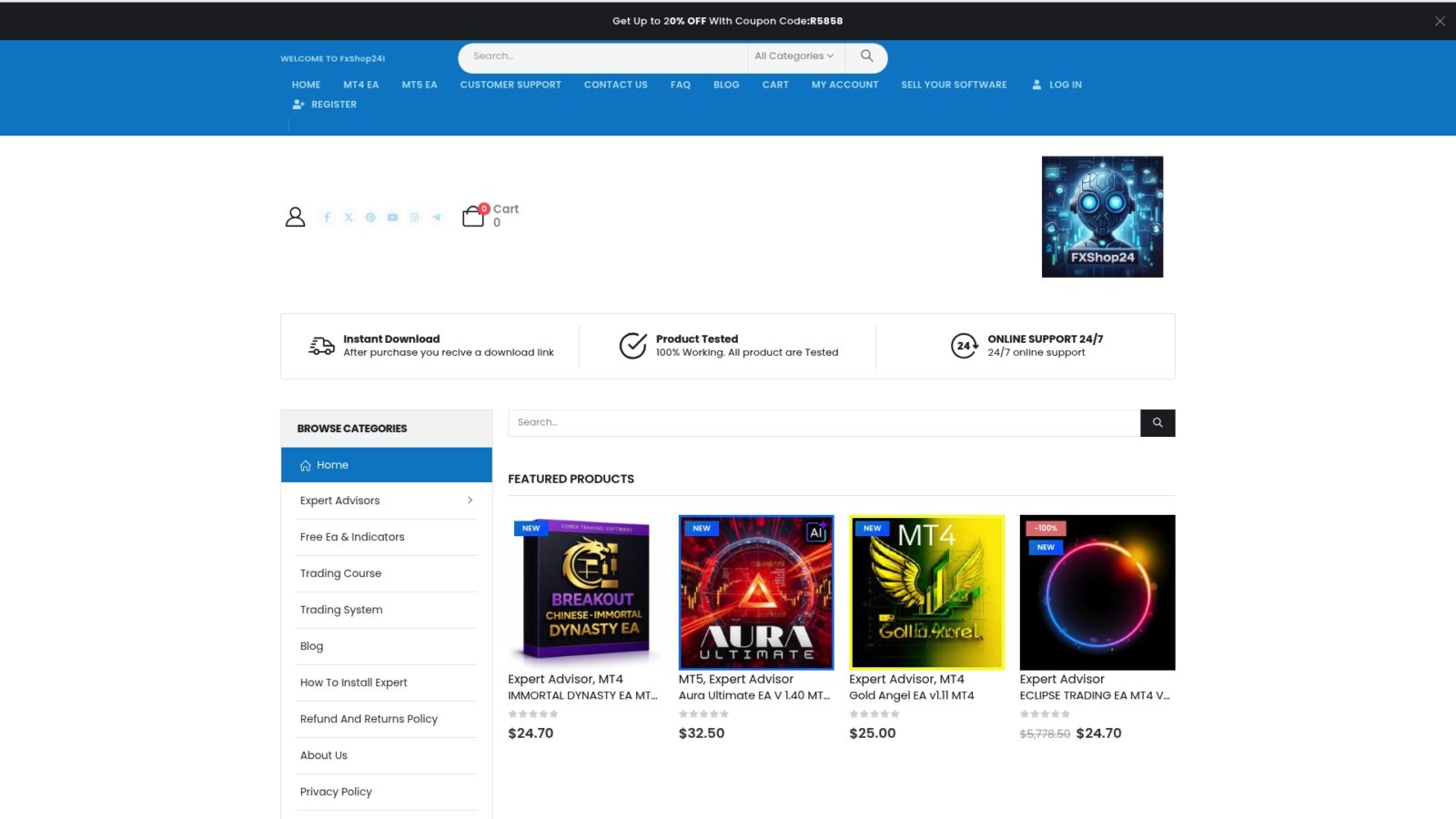
Browse the full range of trading software for automation and find EAs designed specifically for gold and Forex strategies. Every product comes with installation guidance, lifetime updates, and support from a team that actually trades. Start with a tested tool, follow the setup guides, and build your automation stack from a foundation that works.
Frequently asked questions
Is MT4 still a good choice for automation in 2026?
Yes, MT4 remains one of the most popular and effective platforms for automated trading due to its stability, large tool ecosystem, and wide broker support. Its MQL4 scripting advantage keeps it relevant for traders who prioritize reliability over novelty.
How is MQL4 used in building MT4 automation?
MQL4 is the scripting language built into MT4, allowing traders to program expert advisors, custom indicators, and utility scripts for full strategy automation. It uses a procedural coding style that is easier to learn than the object-oriented languages required by MT5 or cTrader.
What is the difference between MT4 and MT5 for automation?
MT4 uses MQL4 with a simpler interface and broader third-party support, while MT5 offers more asset classes and advanced backtesting but requires more complex OOP programming knowledge to use effectively.
Can beginners start with MT4 automation?
Absolutely. MT4 is beginner-friendly, and traders can start immediately with pre-built EAs or learn MQL4 scripting through the many guides and community resources available online and through platforms like FxShop24.