


1
Jun
What Is EA Optimization? A Trader’s 2026 Guide
TL;DR:
- EA optimization systematically adjusts input parameters to enhance profitability and adapt to market changes in automated trading. Traders use backtesting, multi-metric evaluation, and walk-forward validation to build robust strategies that avoid overfitting and ensure consistent performance across different data segments. Regular re-optimization and careful parameter selection are essential for maintaining a durable and reliable trading system.
EA optimization is the process of systematically adjusting an Expert Advisor’s input parameters to improve its profitability, reduce risk, and adapt to changing market conditions in automated trading. Traders running EAs on MetaTrader 4 (MT4) or MetaTrader 5 (MT5) use optimization to find the parameter combinations that produce the most stable, reproducible results across forex pairs and gold markets. The industry term for this practice is parameter optimization, though traders commonly call it EA optimization. Done correctly, it separates a strategy that survives live markets from one that only looked good on paper.
What is EA optimization and how does it work?
EA optimization involves adjusting tunable inputs and modeling assumptions to improve profitability and risk profiles during testing. Those inputs include lot size, stop loss, take profit levels, indicator periods, and entry thresholds. The MT5 Strategy Tester searches through combinations of these parameters to identify which settings produce the best performance across historical data.
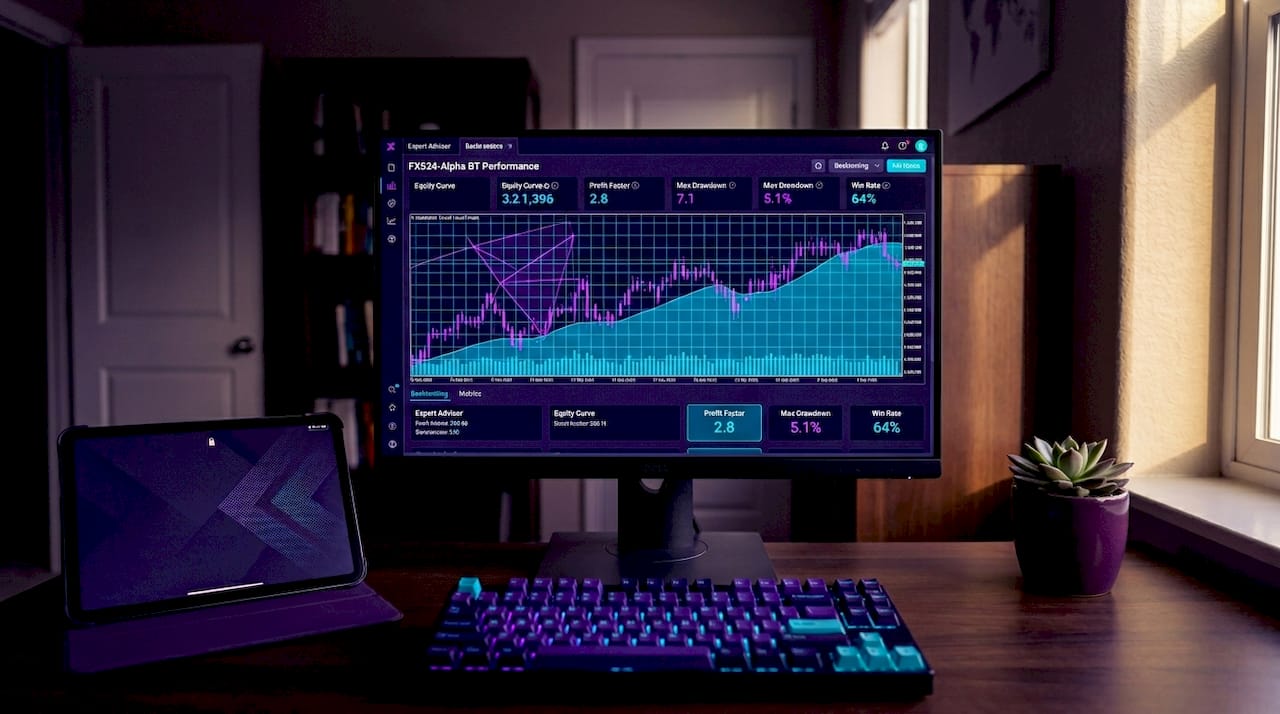
The process starts with backtesting. You run your EA against historical price data to measure how it would have performed under past market conditions. Backtesting gives you a baseline. Optimization then takes that baseline and searches for parameter values that improve it, using either exhaustive testing or faster algorithmic methods.
Realistic spread modeling, deposit configuration, and execution parameters are non-negotiable for accurate simulation. A backtest that ignores spread and slippage will produce results that never materialize in live trading. MT5 allows you to model fixed or variable spreads, and matching your broker’s actual conditions is the single most impactful setting you can adjust before running any optimization.
Core inputs typically optimized in an EA
- Lot size and position sizing: Controls risk per trade and directly affects drawdown profiles.
- Stop loss and take profit levels: Defines the reward-to-risk ratio the EA targets on every trade.
- Indicator parameters: Moving average periods, RSI thresholds, ATR multipliers, and similar values that trigger entry and exit signals.
- Trade filters: Time-of-day restrictions, spread limits, and volatility filters that prevent trading in unfavorable conditions.
- Entry and exit logic thresholds: The exact price or indicator values that confirm a signal before the EA executes.
MT5 provides two main optimization approaches: full exhaustive testing and faster genetic algorithm optimization for large parameter spaces. Full optimization tests every possible combination within your defined ranges. It is accurate but slow, and it becomes impractical when you have more than four or five parameters with wide ranges. Genetic algorithms mimic natural selection, testing the most promising combinations first and converging on strong results without exhaustive iteration. For most traders working with complex EAs, genetic optimization is the practical default.
How does EA optimization avoid overfitting?
Overfitting, also called curve-fitting, is the most dangerous outcome of EA optimization. It occurs when an EA’s parameters are tuned so precisely to historical data that the strategy performs brilliantly in backtests but collapses in live trading. The EA has essentially memorized past price patterns rather than learned a repeatable edge.
The standard defense is dividing your data into in-sample and out-of-sample segments. You optimize on the in-sample period, then test the resulting parameters on the out-of-sample data the EA has never seen. If performance degrades sharply on the out-of-sample segment, the strategy is overfit. Forward testing on unseen data ensures the EA performs well before live trading begins, and a demo period of one to three months is the recommended minimum before deploying real capital.
Walk-forward optimization takes this further by iteratively optimizing on one data segment and immediately testing on the next, unseen segment. Consistent performance across multiple walk-forward windows is the strongest signal of real-world reliability you can get from historical testing alone.
Pro Tip: When you find a strong parameter set, shift each value by 10 to 15 percent in both directions and rerun the backtest. If performance collapses with small changes, the optimum is fragile. Robust strategies show gradual, not cliff-edge, degradation around the optimal values.
Practical steps to reduce overfitting risk:
- Limit parameter count: Every additional parameter you optimize multiplies the risk of curve-fitting. Fewer parameters with clear logical justification produce more durable strategies.
- Use multi-metric evaluation: Controlling parameter count and verifying stable ranges around chosen values mitigates over-optimization risk. Never select a parameter set based on profit alone.
- Separate signals from filters: Optimize your entry signal logic independently from your trade filters. Combining them in one optimization pass creates interdependencies that are nearly impossible to validate.
- Validate across multiple instruments and timeframes: A strategy that only works on EURUSD H1 from 2020 to 2022 is not a strategy. It is a historical artifact.
What metrics tell you if your optimization actually worked?
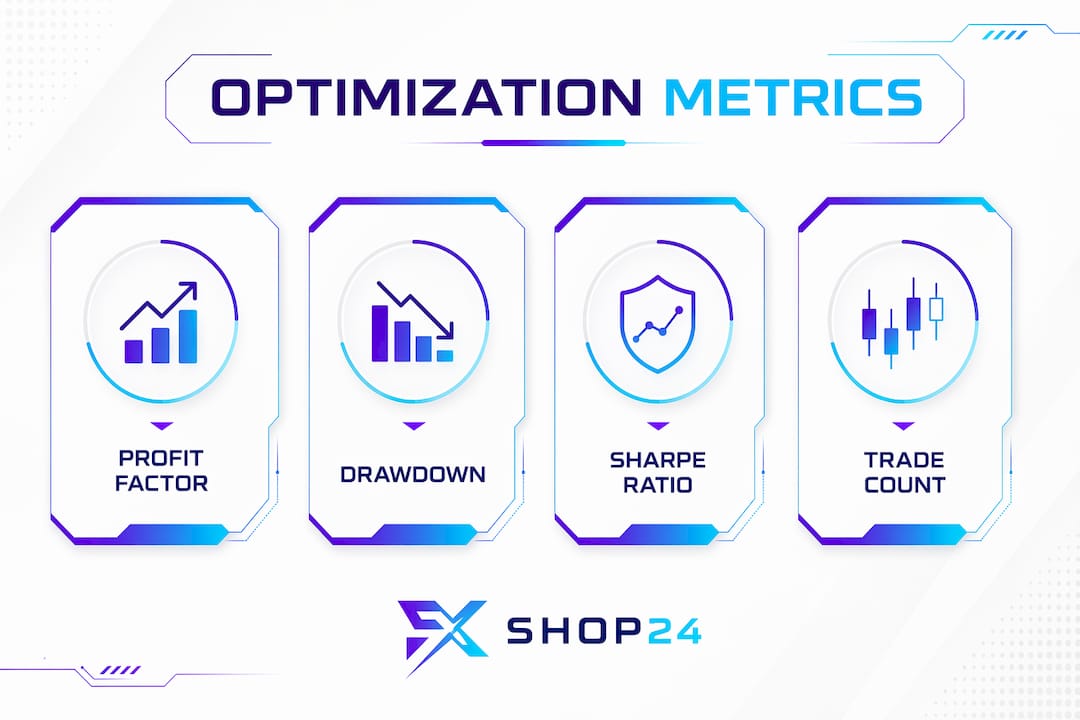
Key metrics like profit factor, drawdown, Sharpe ratio, and trade count provide insight into optimization quality beyond raw profit. Each metric answers a different question about your EA’s behavior, and no single number tells the full story.
| Metric | Definition | What it tells you |
|---|---|---|
| Profit factor | Gross profit divided by gross loss | Values above 1.5 suggest a viable edge; above 2.0 warrants scrutiny for overfitting |
| Maximum drawdown | Largest peak-to-trough equity decline | Measures worst-case risk; keep below 20% for most retail strategies |
| Sharpe ratio | Return per unit of risk (volatility) | Values above 1.0 indicate acceptable risk-adjusted performance |
| Trade count | Total number of trades in the test period | Low counts (under 30) make all other metrics statistically unreliable |
| Recovery factor | Net profit divided by maximum drawdown | Shows how efficiently the EA recovers from losses; higher is better |
Profit factor is the most commonly cited metric, but it is also the easiest to inflate through overfitting. A profit factor of 3.0 on 15 trades means almost nothing. The same figure on 300 trades across five years of data means considerably more. Trade count is the filter you apply before trusting any other number.
MT5’s "OnTester()` function allows you to define custom optimization criteria beyond the built-in metrics. Traders building prop-firm-ready EAs often create composite scores that weight drawdown control more heavily than raw profit, since prop firms evaluate consistency and capital preservation above all else. Selecting risk-aware metric candidates and stress-testing parameter stability prevents selecting narrow, fragile optimums prone to failure under market changes.
Practical tips for running EA optimization on MetaTrader platforms
Getting the mechanics right matters as much as the strategy logic. These steps apply whether you are working in MT4 or MT5, though MT5’s Strategy Tester offers significantly more power for serious optimization work.
- Set realistic broker conditions first. Before running a single optimization pass, configure your spread, commission, and slippage settings to match your actual broker. Realistic spread and execution parameters increase backtest reliability and prevent you from chasing results that will never appear in live trading.
- Define parameter ranges with logic, not hope. If your moving average period is currently set to 20, testing values from 1 to 200 is not optimization. It is data mining. Set ranges based on what makes sense for the strategy’s underlying logic, typically within 50 percent of your starting value.
- Choose your optimization method deliberately. Use full optimization for strategies with three or fewer parameters and narrow ranges. Switch to genetic algorithm optimization when you have four or more parameters or ranges exceeding 50 values each.
- Run walk-forward validation before drawing conclusions. A single backtest result, no matter how strong, is not enough. Walk-forward testing across at least three separate periods is the minimum standard for a strategy you intend to trade live.
- Use multi-threading and cloud infrastructure for large tests. Azure VMs like D2s_v5 with 2 vCPU and 8 GiB RAM are recommended for high parallel workloads in MT5 optimization. Large parameter spaces require parallel processing and genetic algorithms to keep iteration times practical. Running optimization on a local machine with limited cores can turn a two-hour job into a two-day one.
- Re-optimize on a schedule, not just once. Markets change. An EA optimized on 2022 data may underperform in 2025 conditions. Build a quarterly review into your workflow to check whether your parameter set still holds up on recent data.
Pro Tip: After completing optimization, always run your top three to five parameter sets on out-of-sample data before selecting a winner. The set that ranks first in-sample rarely ranks first out-of-sample. The set that performs consistently across both periods is the one worth trading.
For a deeper look at optimizing MT4 and MT5 EAs, Fxshop24 has published detailed platform-specific guides that walk through the Strategy Tester setup step by step.
Key takeaways
EA optimization produces durable trading results only when it combines rigorous parameter testing, multi-metric evaluation, and forward validation across unseen data.
| Point | Details |
|---|---|
| Define optimization correctly | EA optimization tunes input parameters to improve profitability and risk control, not just maximize backtest profit. |
| Use two optimization methods | Full optimization suits small parameter spaces; genetic algorithms handle large, complex EAs more efficiently. |
| Guard against overfitting | Divide data into in-sample and out-of-sample segments and run walk-forward tests to confirm real-world robustness. |
| Evaluate multiple metrics | Profit factor, maximum drawdown, Sharpe ratio, and trade count together reveal whether results are reliable or fragile. |
| Re-optimize regularly | Market conditions shift, so quarterly parameter reviews keep your EA aligned with current price behavior. |
Why most traders optimize for the wrong thing
After working with hundreds of EAs across forex and gold markets, the pattern at Fxshop24 is consistent: traders optimize for the highest profit factor and stop there. That is the wrong target. A profit factor of 2.5 built on 20 trades in a trending market is not an edge. It is luck with a backtest attached.
The traders who build durable automated strategies focus on stability of returns rather than peak returns. They look for parameter sets where the equity curve is smooth, drawdowns are shallow and short, and the results hold up across different market regimes, not just the one period where the strategy happened to shine. This is what reproducible returns with controlled risk actually means in practice.
The other mistake worth naming directly: skipping demo testing because the backtest looked good. Forward testing on a live demo account for one to three months costs nothing except time. It has saved more trading accounts than any optimization technique. Markets in 2026 move differently than markets in 2022, and no backtest fully captures that gap. The demo period is where you find out whether your optimization was real or just well-fitted noise.
The practical workflow that works: optimize on in-sample data, validate on out-of-sample data, run walk-forward tests, demo trade for 60 days, then deploy with reduced position size until live performance confirms the backtest. That sequence is not exciting. It is, however, the one that produces EAs still running profitably a year after deployment.
— Fxshop24
Take your EA optimization further with Fxshop24
Fxshop24 is the marketplace traders use when they want tested, prop-firm-ready automated trading tools without building everything from scratch.
Whether you are refining your first EA or scaling a multi-strategy portfolio, Fxshop24 offers automated futures trading systems built for MT4 and MT5, with lifetime updates and unlimited licenses. The platform also covers the full range of trading software types available for forex and gold markets, giving you the context to choose tools that complement your optimization workflow. Every product comes with installation guidance and performance documentation so you can evaluate fit before you trade live.
FAQ
What is EA optimization in simple terms?
EA optimization is the process of testing different combinations of an Expert Advisor’s input parameters to find the settings that produce the best trading performance. It uses historical data and tools like the MT5 Strategy Tester to identify parameter values that maximize profitability while controlling risk.
What is the difference between backtesting and EA optimization?
Backtesting tests a fixed set of parameters against historical data to measure past performance. EA optimization goes further by systematically searching through many parameter combinations to find which settings produce the strongest results, then validates those results on out-of-sample data.
How do I avoid overfitting when optimizing an EA?
Divide your historical data into in-sample and out-of-sample segments, then test your optimized parameters on the segment the EA never saw during optimization. Walk-forward optimization and a demo testing period of one to three months are the most reliable methods for confirming that results are real rather than curve-fitted.
Which metrics matter most when evaluating EA optimization results?
Profit factor, maximum drawdown, Sharpe ratio, and trade count are the four metrics that together give a complete picture of optimization quality. Trade count is the most important filter: results based on fewer than 30 trades are statistically unreliable regardless of how strong the other numbers appear.
How often should I re-optimize my EA?
A quarterly review is the standard practice for active traders. Market structure changes over time, and parameter sets that performed well on older data may degrade as volatility regimes, correlation patterns, and liquidity conditions shift. Re-optimization keeps your EA aligned with current market behavior rather than historical conditions.