


8
Feb
Complete Tutorial for AI-Powered Trading in Forex and Gold
Setting up advanced AI trading tools can quickly become overwhelming for Forex and gold traders in North America. Whether you trade on MetaTrader 4 or MetaTrader 5, integrating algorithmic trading strategies that actually perform starts with a clear installation and configuration process. This guide explains every critical step from adding powerful Expert Advisors to optimizing risk management and testing your strategies, helping you automate your trades with confidence and precision.
Table of Contents
- Step 1: Install AI Trading Tools on MT4 and MT5
- Step 2: Configure Expert Advisors and Indicators
- Step 3: Set Risk Parameters and Trading Goals
- Step 4: Test Strategies with Demo Accounts
- Step 5: Optimize Performance for Real Market Conditions
Quick Summary
| Key Insight | Explanation |
|---|---|
| 1. Download from Verified Sources | Always acquire AI trading tools from reputable marketplaces to ensure compatibility and security. |
| 2. Configure Settings Before Live Trading | Fine-tune your Expert Advisors and indicators by adjusting entry, exit, and risk parameters to enhance performance. |
| 3. Implement Robust Risk Management | Set strict risk thresholds, including maximum drawdown and position sizing limits, to protect your trading capital. |
| 4. Test Strategies with Demo Accounts | Use demo accounts for comprehensive testing of AI strategies, including historical backtesting and performance evaluation. |
| 5. Optimize Performance Continuously | Regularly refine and adjust your algorithmic parameters based on live trading results to ensure effectiveness against market changes. |
Step 1: Install AI Trading Tools on MT4 and MT5
Installing AI trading tools on MetaTrader platforms requires careful preparation and precise execution. In this tutorial, you’ll learn how to seamlessly integrate advanced trading automation into your MetaTrader 4 and MetaTrader 5 environments, enabling powerful algorithmic trading strategies.
To begin the installation process, you’ll need to follow a systematic approach that ensures compatibility and optimal performance. Start by downloading your AI trading tool from a reputable source. Most AI trading solutions come in the form of an Expert Advisor (EA) or custom indicator that you can load preset files directly into your trading platform.
Here are the critical steps for installation:
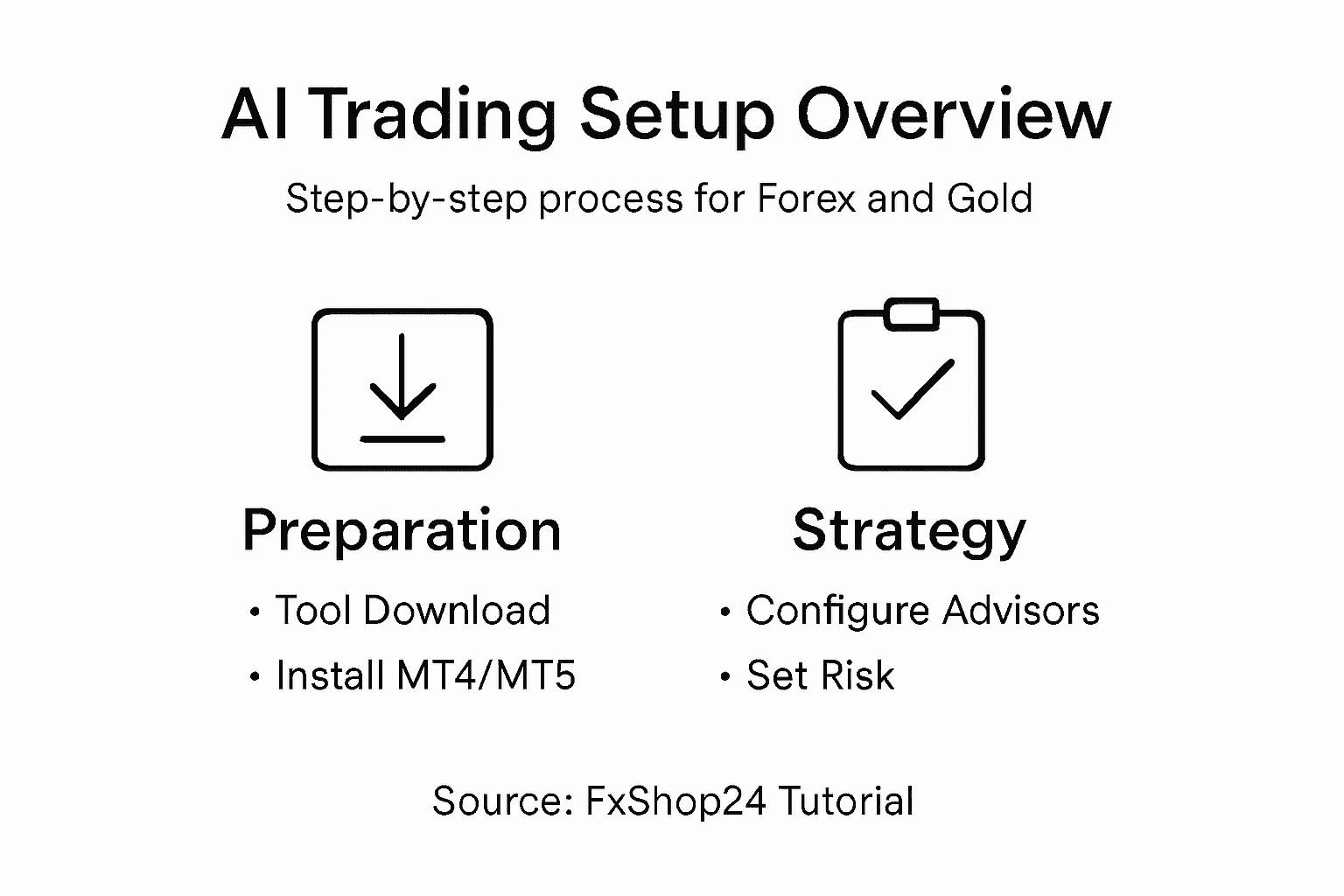
- Download the AI trading tool from a verified marketplace
- Check compatibility with your specific MetaTrader version
- Close any existing charts before installation
- Enable automated trading in platform settings
- Copy the file to the correct MetaTrader directory
The installation process varies slightly between MT4 and MT5, but the fundamental steps remain consistent. In the MetaTrader platform, navigate to the “File” menu, select “Open Data Folder,” and locate the “MQL4” or “MQL5” subdirectory. Place your AI trading tool in the “Experts” folder for Expert Advisors or “Indicators” folder for custom indicators.
Ensure your trading platform is closed during file transfer to prevent potential conflicts.
After placing the file, restart your MetaTrader platform. Go to the “Navigator” panel, find your newly installed tool under the appropriate section, and drag it onto your desired chart. Configure any necessary settings or input parameters specific to the AI trading tool.
Here’s a helpful comparison of how installing AI trading tools differs between MetaTrader 4 and MetaTrader 5:
| Aspect | MetaTrader 4 (MT4) | MetaTrader 5 (MT5) |
|---|---|---|
| Directory Name | MQL4 | MQL5 |
| Expert Advisor Folder | Experts | Experts |
| Indicator Folder | Indicators | Indicators |
| Compatibility | Older EAs and scripts supported | Advanced features and scripting |
| Typical Use Cases | Forex trading and legacy systems | Multi-asset and modern trading |
Pro Tip: Always download AI trading tools from verified sources and run initial tests on a demo account to validate performance before live trading.
Step 2: Configure Expert Advisors and Indicators
Configuring Expert Advisors (EAs) and indicators is a critical step in optimizing your algorithmic trading strategy. In this section, you’ll learn how to fine-tune your trading tools to maximize performance and align with your specific trading objectives.
To begin, open your MetaTrader platform and navigate to the Navigator Panel. Here, you’ll find your installed EAs and indicators. When configuring these tools, pay close attention to algorithmic trading parameters that control trade execution, risk management, and strategy implementation. Most EAs offer customizable settings that allow you to adjust:
- Entry and exit conditions
- Position sizing rules
- Risk management thresholds
- Trading time windows
- Performance optimization settings
For each Expert Advisor, click on the tool and select “Properties” to access its configuration menu. This is where you’ll input specific parameters like maximum trade volume, stop loss, and take profit levels. Some advanced AI-powered EAs offer machine learning components that can adapt trading strategies based on market conditions.
Carefully review and test each parameter setting before activating live trading to prevent unexpected behavior.
Indicators require similar careful configuration. Select your desired indicator, right-click, and choose “Properties” to adjust visual and computational settings. You can modify color schemes, line styles, and calculation periods to match your trading preferences.
Remember that proper configuration is an iterative process. Start with conservative settings, monitor performance on a demo account, and gradually refine your approach.
Pro Tip: Always create multiple configuration profiles for different market conditions, allowing quick strategy switching without complete reconfiguration.
Step 3: Set Risk Parameters and Trading Goals
Defining your risk management strategy is crucial for sustainable AI-powered trading success. In this section, you’ll learn how to establish robust risk parameters that protect your trading capital while maximizing potential returns.
Start by configuring trading risk tolerance through careful parameter selection. Your risk management approach should include several key components:
- Maximum drawdown percentage
- Position sizing rules
- Individual trade risk limits
- Portfolio-wide risk allocation
- Stop loss and take profit strategies
Calculate your risk per trade carefully. A standard recommendation is risking no more than 1-2% of your total trading capital on any single trade. This means if you have a $10,000 account, each trade should risk no more than $100-$200. Configure your Expert Advisor to automatically enforce these strict risk management rules.
Consistent risk management is the foundation of long-term trading success.
When setting trading goals, be specific and measurable. Instead of vague objectives like “make money,” define concrete targets such as “achieve a 15% annual return with no more than 10% maximum drawdown.” Your AI trading tool should be configured to align with these precise performance benchmarks.
Utilize your trading platform’s built-in risk management tools to create multiple failsafe mechanisms. Set hard stop losses, trailing stops, and automatic trade exit conditions that protect your capital during unexpected market volatility.
Pro Tip: Regularly review and recalibrate your risk parameters every 3-6 months to ensure they remain aligned with changing market conditions and your evolving trading strategy.
This summary table highlights key risk management practices for AI trading success:
| Practice | Purpose | Optimal Frequency |
|---|---|---|
| Set maximum drawdown | Limit capital loss | On initial setup |
| Adjust risk per trade | Prevent overexposure | Every trading session |
| Recalibrate parameters | Align with market changes | Every 3-6 months |
| Use portfolio allocation | Diversify risk across assets | Quarterly review |
Step 4: Test Strategies with Demo Accounts
Testing your AI-powered trading strategies through demo accounts is an essential step in validating your approach before risking real capital. This process allows you to simulate trading conditions and assess your Expert Advisor’s performance without financial risk.
Begin by transitioning strategies to demo accounts using your MetaTrader platform. Open a demo account that mirrors your intended trading environment, ensuring it closely matches the specifications of your future live account. Your testing methodology should include:
- Running full historical backtests
- Evaluating performance across different market conditions
- Analyzing trade execution and strategy consistency
- Measuring key performance indicators
- Identifying potential strategy weaknesses
When conducting backtests, utilize the Strategy Tester feature in MetaTrader. This powerful tool allows you to simulate your Expert Advisor’s performance using historical market data. Select a representative time period that covers various market cycles - ideally spanning at least 12-24 months to capture different trading environments.
Comprehensive demo account testing is your first line of defense against potential trading strategy failures.
Pay close attention to critical metrics during your testing phase. Look beyond simple profit numbers and evaluate:
- Maximum drawdown
- Win rate percentage
- Risk-to-reward ratio
- Total net profit
- Number of trades executed
Multiple test runs with slight parameter variations will help you understand your strategy’s robustness and adaptability. Document your findings meticulously, comparing different configurations to identify the most consistent performers.
Pro Tip: Create at least three different demo account scenarios with varying market conditions to stress-test your AI trading strategy thoroughly.
Step 5: Optimize Performance for Real Market Conditions
Transitioning your AI trading strategy from demo to live performance requires strategic optimization and careful calibration. Your goal is to transform theoretical performance into consistent real-world results that withstand market volatility.
Optimizing your Expert Advisor involves multiple nuanced adjustments designed to enhance its adaptability. Focus on fine-tuning algorithmic parameters that directly impact trading performance. Critical optimization areas include:
- Market volatility adaptive mechanisms
- Dynamic position sizing algorithms
- Advanced risk management protocols
- Real-time correlation filtering
- Machine learning model recalibration
Begin by analyzing your strategy’s core performance metrics. Look beyond basic profitability and examine deeper indicators like drawdown resistance, trade frequency, and correlation with broader market movements. Your optimization process should prioritize consistency over maximum returns.
Successful AI trading optimization requires continuous learning and incremental refinement.
Implement machine learning techniques that allow your Expert Advisor to self-adjust based on recent market behavior. Configure adaptive learning modules that can:
- Detect changing market regime
- Automatically adjust entry/exit parameters
- Recognize emerging trading patterns
- Dynamically modify risk allocation
Periodically validate your optimization efforts by comparing live trading results against historical backtests. Any significant deviation requires immediate investigation and potential strategy recalibration.
Pro Tip: Maintain a detailed optimization log documenting every parameter change and its corresponding performance impact to build a comprehensive strategy improvement framework.
Unlock Your AI Trading Potential with FxShop24
The complete tutorial for AI-powered trading in Forex and Gold highlights the challenges traders face like installing Expert Advisors, configuring precise risk parameters, and testing strategies before live deployment. Many traders struggle with optimizing AI tools to adapt to real market conditions while maintaining disciplined risk management. If you want to eliminate these hurdles and gain access to proven, prop firm-ready EAs and AI-powered robots optimized for MetaTrader 4 and MetaTrader 5, FxShop24 offers a comprehensive solution designed to accelerate your automated trading journey.
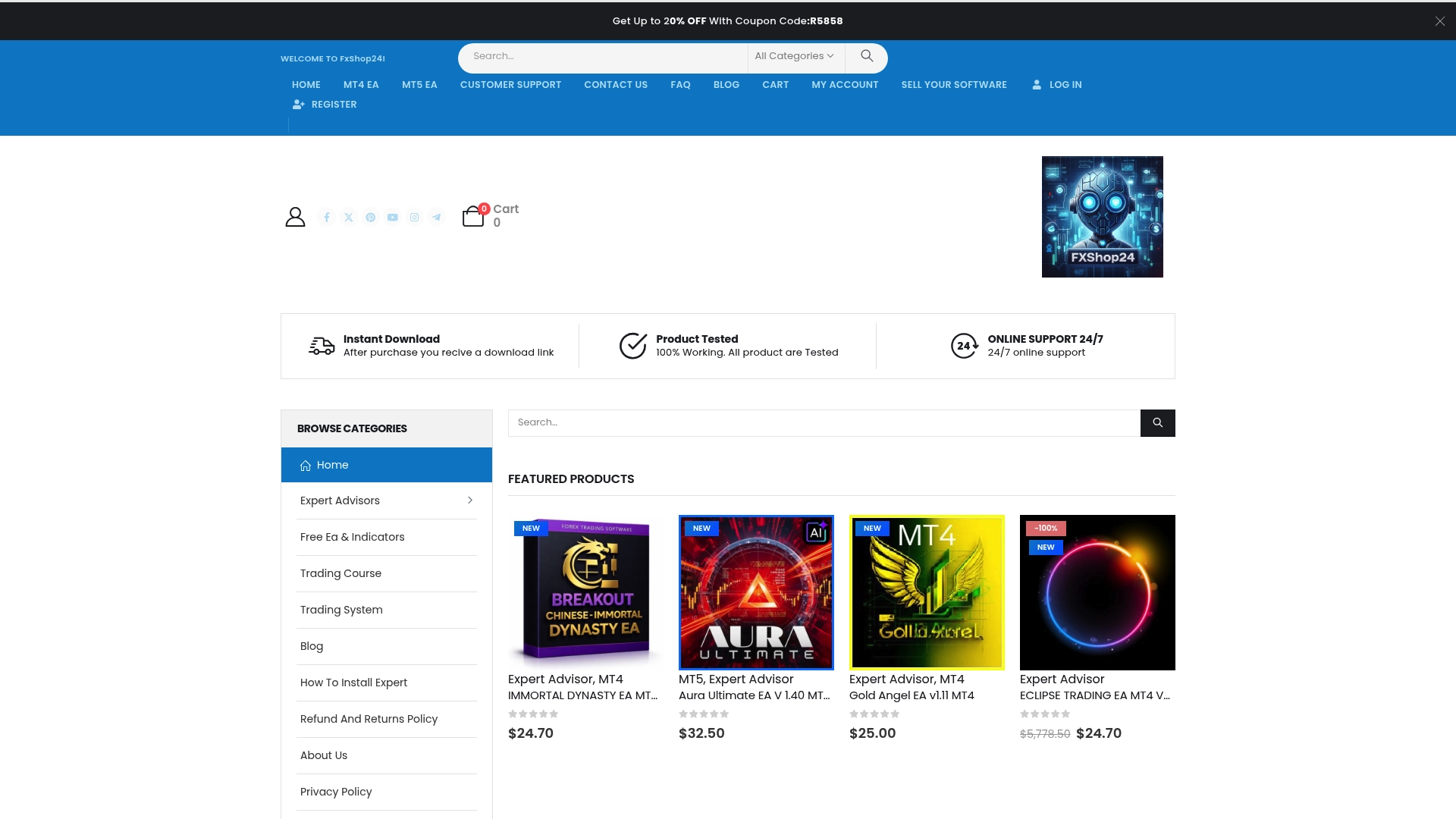
Explore our wide selection of automated trading software at FxShop24 where innovation meets reliability. Benefit from lifetime updates, unlimited licenses, and detailed installation support to set up your expert advisors with confidence. Dont wait to harness the power of AI for Forex and Gold trading. Start testing premium AI trading systems today and transform your strategies into consistent profit opportunities by visiting our expert advisors collection now.
Frequently Asked Questions
How do I install AI trading tools on MetaTrader for Forex and Gold?
To install AI trading tools on MetaTrader, download your Expert Advisor or custom indicator from a verified source. After ensuring compatibility with your MetaTrader version, place the file in the appropriate MQL4 or MQL5 directory, and restart the platform to finalize the installation.
What are the key configurations for Expert Advisors in AI trading?
When configuring Expert Advisors, focus on customizing entry and exit conditions, position sizing rules, and risk management thresholds. Adjust these parameters according to your trading strategy to optimize performance and achieve your specific trading goals.
What risk management strategies should I set for AI trading?
Establish a risk management strategy by limiting your maximum drawdown and defining position sizing rules. Aim to risk no more than 1-2% of your total trading capital on any single trade, and implement stop losses and take profits to protect your investments.
How can I test my AI trading strategy effectively?
Test your AI trading strategy using a demo account by running full historical backtests and evaluating its performance across various market conditions. Monitor key performance indicators to identify areas for improvement before transitioning to live trading.
What steps should I take to optimize my AI trading strategy for real market conditions?
To optimize your AI trading strategy, focus on adjusting algorithmic parameters that enhance adaptability, such as dynamic position sizing and advanced risk management protocols. Regularly validate performance against historical data to ensure consistency in your trading results.