
21
Sep
Steve Pro EA Review: Automated Trading for XAUUSD on MT5
Many traders struggle with the constant need to monitor charts and execute trades in a timely manner, which can lead to missed opportunities and emotional decision-making. This is especially true for those trading XAUUSD (Gold) on shorter timeframes like M1, where price movements can be rapid and unpredictable. Steve Pro EA aims to alleviate these challenges by automating the trading process, allowing users to benefit from systematic execution without the burden of manual oversight.
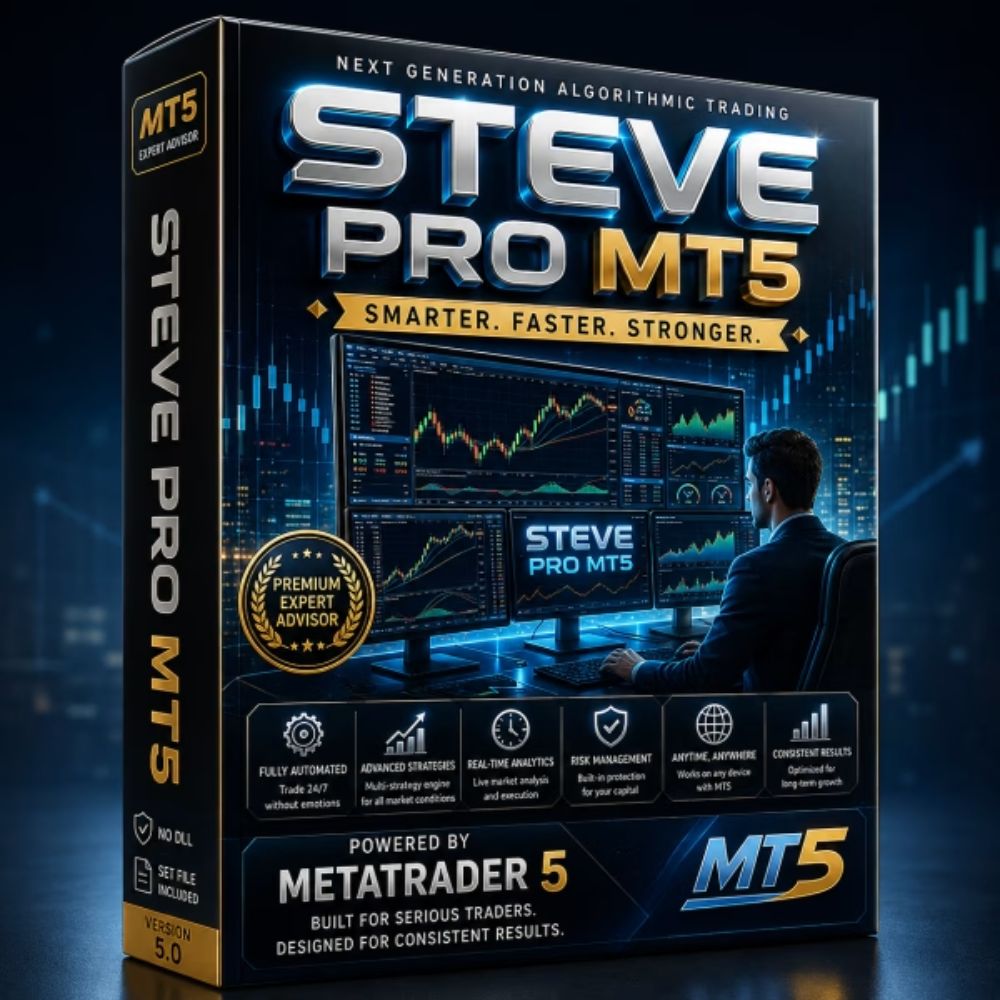
Steve Pro EA is a professional MetaTrader 5 Expert Advisor designed specifically for automated trading of XAUUSD on the M1 timeframe. By focusing on disciplined and systematic trade execution, this EA continuously analyzes market conditions and executes trades based on predefined rules, significantly reducing the workload of the trader and enhancing the potential for profitable trading.
What is Steve Pro EA?
Steve Pro EA operates exclusively on the MetaTrader 5 platform and is tailored for trading Gold (XAUUSD) on a one-minute chart. It utilizes a systematic approach to trading, ensuring that trades are opened and managed based on specific criteria derived from market analysis. This automated system provides traders with a hands-off solution, allowing them to take advantage of market movements without requiring constant attention.
This Expert Advisor is built to execute trades rapidly once a valid signal is identified, managing open positions according to its programmed trading rules. With Steve Pro EA, traders can expect a consistent monitoring of price movements, which is crucial for identifying potential setups in the fast-paced Gold market.
Key features
- Automated Trade Execution: Steve Pro EA automatically opens trades when specific market conditions are met, reducing the need for manual intervention.
- Position Management: The EA manages open positions based on its internal strategy, which helps in optimizing profit-taking and minimizing losses.
- Continuous Market Monitoring: It keeps track of XAUUSD price movements on the M1 timeframe, ensuring that no potential trading opportunity is missed.
- Free Updates: Users receive lifetime updates, ensuring they always have the latest features and improvements without additional costs.
- 24/7 Customer Support: The support team is available to assist users with setup and any inquiries, which is particularly beneficial for new users.
- Proven Backtesting Results: Steve Pro EA comes with extensive backtesting data, showcasing its performance across different market conditions.
How it works
Steve Pro EA employs a disciplined trading strategy focused on the XAUUSD pair, utilizing the M1 timeframe. The EA continuously evaluates price movements to identify valid trading signals. Once a signal is confirmed, it executes trades automatically, adhering to pre-set trading rules. This systematic approach not only reduces the emotional stress often associated with trading but also ensures a consistent application of the trading strategy.
Traders using Steve Pro EA can expect it to manage open positions proactively, adjusting to market changes as necessary. This means that the EA can potentially lock in profits while minimizing drawdowns, making it a valuable tool for those looking to trade Gold efficiently.
How to install and set it up
- Purchase and download Steve Pro EA from the product page.
- Install MetaTrader 5 (MT5) on your computer if you haven't done so already.
- Unzip the downloaded file (the password is fxshop24.net for free products).
- Copy the EA file to the MT5 'Experts' folder in your data directory.
- Restart MT5 and attach the EA to an XAUUSD chart on the M1 timeframe.
- Load any recommended set files if provided to optimize performance.
Pros and cons
- Pros:
- Automated trading reduces the need for constant monitoring.
- Free updates ensure the EA remains effective over time.
- Comprehensive customer support available for setup and usage.
- Proven backtesting results enhance reliability and trust.
- Cons:
- Only designed for XAUUSD, limiting versatility with other currency pairs.
- Performance may vary depending on market conditions and broker settings.
- Requires initial investment, which might not suit every trader's budget.
Who is it for?
Steve Pro EA is ideal for traders focused on XAUUSD who prefer automated trading solutions. It is particularly suited for those who may not have the time to monitor the market constantly but still want to engage in Gold trading on a short timeframe.
How to get it
You can download Steve Pro EA from Steve Pro EA on FXShop24. After your purchase, you will receive immediate access to the download link and any necessary setup guides.
Remember that trading involves risks, and past performance does not guarantee future results. Always trade responsibly and consider your financial situation before investing.
FAQ
What trading strategy does Steve Pro EA use?
Steve Pro EA uses a systematic trading strategy focused on XAUUSD, executing trades based on predefined market conditions.
On which timeframe does this EA operate?
Steve Pro EA operates exclusively on the M1 timeframe, specifically designed for fast-paced trading of Gold.
Can I use Steve Pro EA on other currency pairs?
No, Steve Pro EA is specifically designed for trading XAUUSD and is not suitable for other currency pairs.
What support is available after purchase?
Users can access 24/7 customer support for assistance with setup and any questions regarding the EA.
Are updates included with my purchase?
Yes, you will receive lifetime free updates, ensuring you always have the latest version of Steve Pro EA.