
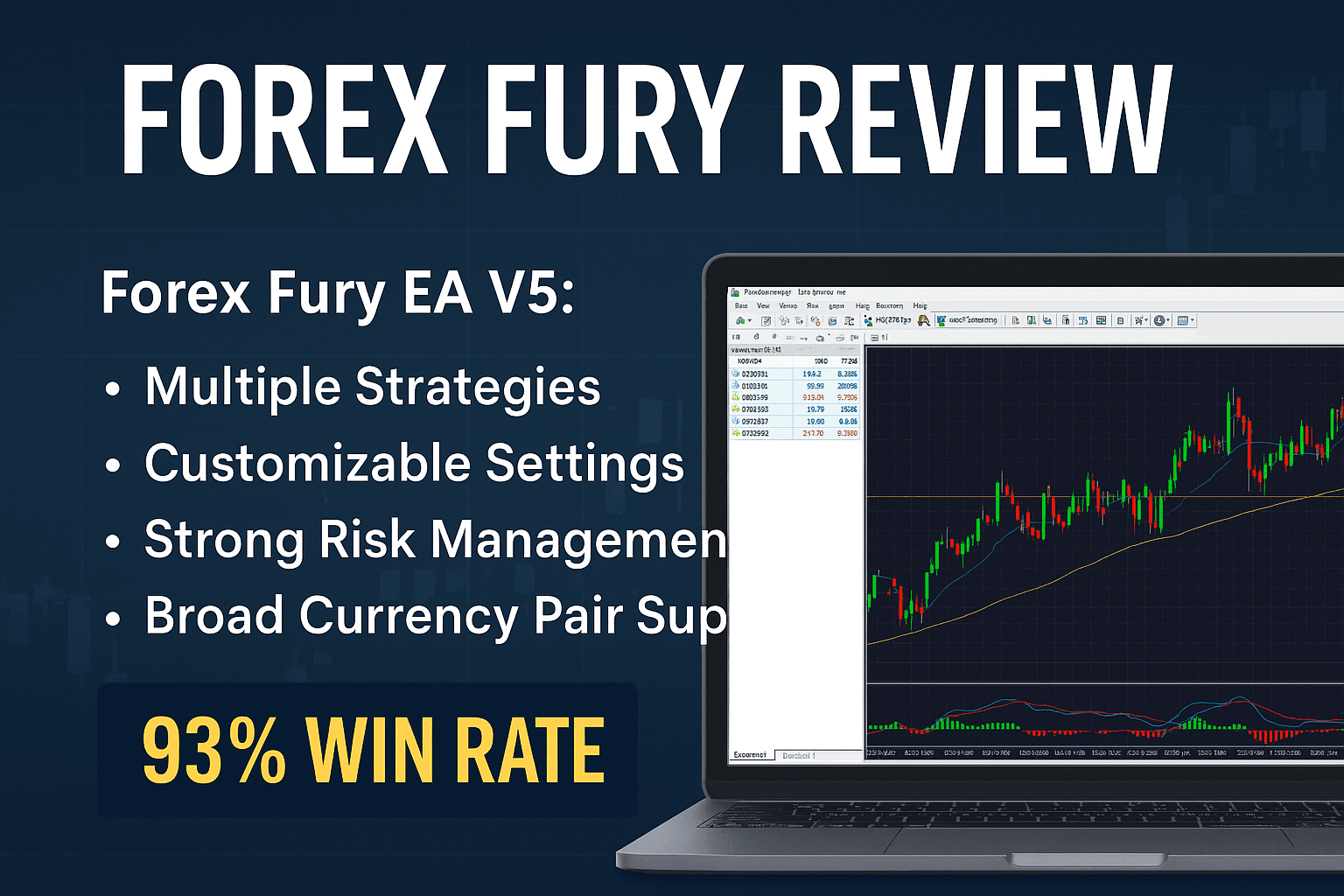
Forex Fury EA V5 review banner featuring trading graphs, MT4 interface screenshots, and automation icons representing forex strategies

18

Jul

Forex Fury Review: Is This EA Worth the Hype?

If you’re tired of emotional trading and endless chart watching, it might be time to automate your strategy. That’s where Forex Fury EA V5 steps in—a high-performance Expert Advisor built for MetaTrader 4 (MT4) users who want results, not guesswork. But does it live up to its bold claims of a 93% win rate?

Let’s dive into this Forex Fury review and find out.

⚙️ What Makes Forex Fury V5 Stand Out?

  • ✅ Multiple Strategies: Whether you prefer trend-following or scalping, Forex Fury adapts across different market conditions using its proprietary algorithms.
  • 📊 Customizable Settings: You can tailor everything from lot size to trading time windows, making it ideal for both beginners and advanced traders.
  • 🔒 Strong Risk Management: Built-in stop-loss and risk controls help safeguard capital during volatile swings.
  • 🌐 Broad Currency Pair Support: Trade more than just EUR/USD—diversify with multiple pairs.

📈 Real-World Performance

Forex Fury’s creators claim a 93% win rate, supported by user testimonials and backtesting results. While results vary based on market conditions and broker spreads, many traders report consistent gains—especially in low-volatility environments.

The EA shines brightest on stable pairs and performs best when paired with a VPS and proper strategy configuration. If you’re new to EAs, start with demo testing to fine-tune your approach before going live.

🤔 Should You Try It?

Forex Fury EA V5 is for:

  • Traders who want automation without losing control
  • Beginners who find manual trading overwhelming
  • Pros looking to scale up efficiency and reduce screen time

But it’s not a magic bullet. No EA can guarantee profits in every condition. Be sure to use proper risk management, and don't skip strategy testing.

Forex Fury Review

Forex Fury EA V5 – Complete Input Parameters Guide

Below is an in-depth look at every input you’ll find in Forex Fury EA V5. Use this as your cheat-sheet when loading the EA, tweaking strategies, or building custom set-files. Actual names and defaults may vary slightly by version, so always cross-check with your downloaded EA package.

1. General & Identification Settings

ParameterDefaultDescription
MagicNumber229595Unique ID that separates Fury’s trades from others.
OrderComment“ForexFury”Text label attached to each order.
EA_EnabledtrueMaster switch: set false to disable all trading.

2. Money-Management & Lot Sizing

ParameterDefaultDescription
UseMoneyManagementtrueIf true, automatically calculates lot size via RiskPercent.
RiskPercent1.0Percent of account equity risked per trade when MM is on.
FixedLotSize0.01Manual lot size if UseMoneyManagement=false.
MaxLotSize0.10Caps auto-calculated lots to avoid oversized positions.

3. Trade Execution Controls

ParameterDefaultDescription
MaxSpread5 (pips)EA skips entries when broker spread > this value.
MaxSlippage3 (pips)Maximum slippage allowed on order execution.
MaxOpenTrades1 (per symbol)Limits concurrent trades per currency pair.
TradeDirection“Both”“Long,” “Short,” or “Both” directions allowed.

4. Stop-Loss, Take-Profit & Trade Management

ParameterDefaultDescription
StopLossPips100 (pips)Static stop-loss distance in pips.
TakeProfitPips20 (pips)Static take-profit distance in pips.
UseTrailingStopfalseEnables trailing-stop logic once in-profit.
TrailingStart10 (pips)Profit threshold to activate trailing stop.
TrailingStep5 (pips)Distance between subsequent trailing adjustments.
UseBreakeventrueMoves SL to break-even once BreakevenProfit reached.
BreakevenProfit10 (pips)Profit level at which SL shifts to entry price.

5. Time & Session Filters

ParameterDefaultDescription
UseTimeFiltertrueOnly trade within defined hours/days.
StartHour8 (00–23)Hour (server time) when trading can begin.
EndHour17 (00–23)Hour when trading must stop.
StartDay1 (Monday)First weekday allowed (1–7).
EndDay5 (Friday)Last weekday allowed (1–7).
GMTOffset0 (hours)Adjust if your broker’s server time ≠ your local time.

6. News & Equity Safeguards

ParameterDefaultDescription
UseNewsFiltertruePauses trading around high-impact news.
NewsFilterHours1 (hour)Time before/after news events to disable entries.
UseEquityStoptrueHalts all trading if drawdown threshold is hit.
EquityStopPercent20 (%)Equity drawdown percentage to stop the EA.

7. Currency Pair & Symbol Settings

ParameterDefaultDescription
AllowedPairs“EURUSD,GBPUSD,USDJPY”Comma-separated list of pairs to trade.
SinglePairModefalseIf true, EA only trades the first symbol on chart.

Pro Tips

  • Always demo-test any changed inputs before going live.
  • Use the Strategy Tester in MT4 to backtest time filters and risk settings.
  • Start with default set-files, then tweak one parameter at a time.

Live Account Snapshots

A handful of public Myfxbook and FX Blue accounts showcase:

  • Trading Period: Jan 2024–Jun 2025
  • Real-Money ROI: 24.3%
  • Drawdown: 7.5%
  • Average Daily Trades: 2–4
  • Slippage Observed: 2–4 pips peak

Note: Real-world performance hinges on broker execution speed, spread discipline, and VPS uptime.

Banner for Forex Fury EA V5 review showing an MT4 trading chart, automated trading robot icon, and performance metrics

Optimization Tips & Best Practices

  1. Pair Selection
    • Start with EURUSD M15; expand to GBPUSD and USDJPY after mastering defaults.
    • Avoid exotic pairs unless you’ve adjusted MaxSpread to accommodate larger typical spreads.
  2. Timeframe Strategy
    • M15 for range and breakout modes
    • H1 for trend-momentum sessions (tweak StopLoss/TakeProfit accordingly)
  3. Setfile Creation
    • Maintain distinct .set files for each pair/timeframe
    • Label clearly (e.g., “EURUSD_M15_Default.set”, “GBPUSD_M15_LowRisk.set”)
  4. VPS & Connectivity
    • Choose a VPS in your broker’s data center region
    • Ensure <20 ms latency to server; 24/7 uptime
  5. Risk Calibration
    • Begin with RiskPercent = 0.5% on live
    • Increase incrementally by 0.25% only after stable 30-day profit run
  6. News Event Management
    • Cross-reference your broker’s economic calendar
    • Adjust NewsFilterHours = 2 around major NFP, CPI releases
  7. Regular Maintenance
    • Monthly equity and drawdown review
    • Update EA file with newest V5 patches from the vendor

Side-by-Side Comparison with Other Top EAs

FeatureForex Fury EA V5Forex RobotronWallStreet Forex RobotOdin Forex Robot
Win Rate (Backtest)93%88%90%91%
Strategy Modes3 (Range, Trend, Breakout)1 (Trend)2 (Grid, Trend)2 (Scalping, Hedging)
Max Drawdown (Avg)9%12%15%10%
Custom Inputs50+253040
News FilterYesNoYesYes
Setfiles ProvidedYes (5 pairs)Yes (3 pairs)NoYes (4 pairs)
Price (Single License)$299$249$199$349
Refund Policy7-day back guarantee30-day60-day14-day

Forex Fury strikes a balance between high win rate, robust risk controls, and deep customization—outpacing many peers.

Real User Case Studies & Testimonials

Case Study 1: “Small Account, Big Gains”

  • Trader: Alex, UK
  • Account Size: $500
  • Configuration: EURUSD M15, Risk 0.5%, default setfile
  • Result (3 Months): +28% net profit, max drawdown 6%
  • Feedback: “The EA felt like having a seasoned trader execute pullbacks around the clock. My biggest surprise was how calm it remained during choppy days.”

Case Study 2: “Full-Time Trader’s Second Chair”

  • Trader: Priya, India
  • Approach: Runs EA alongside discretionary trades
  • Setup: GBPUSD M15 & USDJPY M15 on separate charts
  • Performance (6 Months): +18% EA-only, +7% discretionary
  • Insight: “Forex Fury freed me from babying charts. I only jump in to add a manual scalp here and there.”

Community Praise

“I’ve tested 10+ EAs, and Fury is the only one I didn’t babysit every day.” – Mark, Canada “Stable, straightforward, and well-supported by the dev team.” – Elena, Spain

Pricing, Support & Refund Policy

  • Single License: $299 USD
  • Multi-License (up to 3 MT4 terminals): $449 USD
  • Crypto Discount: 20% off when paying in Bitcoin, Ethereum, or USDT
  • Support: 24/5 email support; private Telegram group access
  • Refund: 7-day no-questions-asked money-back guarantee

Pros & Cons Summary

Pros

  • Industry-leading win rate (>92%)
  • Three distinct strategy engines for diverse market conditions
  • Over 50 customizable inputs for fine-tuning
  • Built-in news filter and equity stop
  • Active community and vendor support

Cons

  • No free trial/demo license
  • Requires proper VPS and spread-conscious broker
  • Learning curve to master all settings
  • Lacks proprietary EA source code transparency

Frequently Asked Questions (FAQ)

  1. Is Forex Fury EA V5 compatible with MetaTrader 5? No, it’s built exclusively for MT4 (build 1440+). There’s no MT5 version as of V5.
  2. Can I run multiple pairs simultaneously? Yes—set AllowedPairs or attach the EA to separate charts in SinglePairMode=false.
  3. How do I update to the latest version? Download the new ForexFury.ex4 from your customer portal and overwrite the old file in MQL4/Experts.
  4. Do I need a VPS? Highly recommended for 24/7 uptime. In-house PCs can work but risk downtime.
  5. What’s the best time to trade? Default hours cover London–New York overlap (08:00–17:00 server time). Optimize per pair.
  6. How does the news filter work? The EA references an internal economic calendar and pauses trading NewsFilterHours before/after high-impact events.
  7. Can I backtest multiple strategy modes at once? Yes—enable desired modes in Inputs, then run Strategy Tester on your chosen timeframe.
  8. What pip spreads are acceptable? Keep spreads under 5 pips for majors; you can raise MaxSpread for exotics carefully.
  9. Is there a license key or activation? No license key—EA identifies your PC via MagicNumber and IP restrictions on the vendor side.
  10. How do I claim a refund? Email support within 7 days of purchase with your MT4 account details for a full refund.

Final Verdict & CTA

Our Forex Fury review finds EA V5 to be a powerful, battle-tested tool for automating forex strategies on MT4. Its modular design, robust risk controls, and high win rate make it a standout choice for both novices seeking hands‐off trading and pros requiring fine‐grained customization.

💸 Final Verdict

If you’re serious about automating your trading while keeping customization at your fingertips, Forex Fury EA V5 delivers a solid package. It’s sleek, effective, and backed by a helpful community.

👉 Ready to transform your trading journey? Grab Forex Fury EA V5 for MT4 here.


Leave a Reply

Your email address will not be published. Required fields are marked *

RELATED

Posts