



21
Jan
How to Automate Gold Trading on MT4 and MT5 Platforms
Choosing the right automated trading system can feel overwhelming when profits and risk management are on the line. For retail traders seeking high returns in gold and Forex markets, finding a compatible Expert Advisor on MT4 or MT5 is a key step toward building a resilient strategy. This guide highlights essential steps in evaluating performance metrics, configuring powerful EAs, and conducting thorough backtesting, so you can confidently improve your trading results in volatile conditions.
Table of Contents
- Step 1: Assess Trading Requirements And Select Suitable EAs
- Step 2: Install And Configure Trading Software On MT4 Or MT5
- Step 3: Input Gold Trading Parameters And Optimize EA Settings
- Step 4: Test Automated Strategies With Backtesting And Demos
- Step 5: Launch And Monitor Live Automated Gold Trades
Quick Summary
| Key Takeaway | Explanation |
|---|---|
| 1. Assess Trading Goals and Risk | Define your trading objectives, such as desired returns and acceptable risks, to choose the right EA for your profile. |
| 2. Conduct Thorough Testing | Run demo simulations and backtests across varying market conditions to validate EA performance before live trading. |
| 3. Optimize EA Settings for Gold | Adjust parameters like lot size and take profit to maximize returns while minimizing risks specific to gold trading. |
| 4. Monitor Key Performance Indicators | Track metrics such as win rate and total net profit to evaluate EA effectiveness and adjust strategies as needed. |
| 5. Use Conservative Lot Sizes Initially | Start with smaller trading volumes to protect capital during the initial trading phase while gaining market experience. |
Step 1: Assess trading requirements and select suitable EAs
Selecting the right Expert Advisor (EA) for gold trading requires strategic evaluation of your unique trading profile and platform capabilities. Understanding key performance metrics is crucial for making an informed decision.
Begin by thoroughly analyzing your trading goals and risk tolerance. Gold trading EAs operate differently based on strategies like scalping, swing trading, or trend following. Consider factors such as your investment capital, desired return percentage, maximum acceptable drawdown, and trading frequency. Some EAs specialize in rapid short term trades while others focus on longer term position management. Match the EA’s algorithm with your personal risk appetite and market perspective.
Next, conduct comprehensive testing using demo accounts. Most professional traders recommend running multiple performance simulations across different market conditions before committing real capital. Verify the EA’s compatibility with your specific MetaTrader platform version and ensure it supports gold trading instruments. Check historical performance data, understand underlying trading logic, and assess potential vulnerabilities in the algorithm.
Pro Tip: Always allocate a small percentage of your trading capital when first deploying an automated trading system to minimize potential risks.
Here’s a comparison of common gold trading EA strategies and their typical risk profiles:
| Strategy Type | Trading Timeframe | Risk Profile | Typical Goal |
|---|---|---|---|
| Scalping | Seconds to minutes | High | Quick small profits |
| Swing Trading | Days to weeks | Moderate | Capture larger price moves |
| Trend Following | Weeks to months | Variable | Ride sustained moves |
| Position Management | Weeks to years | Low to moderate | Long-term asset growth |
Step 2: Install and configure trading software on MT4 or MT5
Setting up automated trading software requires precise installation and configuration across MetaTrader platforms. Advanced configuration settings determine the success of your gold trading strategy.
Begin by downloading the appropriate MetaTrader version compatible with your operating system. For gold trading, choose between MT4 and MT5 based on your specific trading requirements. During installation, select all recommended components including data connection tools and expert advisor support. Once installed, open the platform and navigate to the server connection settings. Create a new demo or live trading account depending on your testing strategy. Ensure you have stable internet connectivity and sufficient computer resources to support continuous automated trading.

After successful installation, configure your expert advisor settings. Locate the Experts folder in your MetaTrader directory and carefully transfer your chosen Expert Advisor files. Enable automated trading by checking the corresponding options in platform settings and chart properties. Adjust individual EA parameters to match your specific gold trading strategy, paying close attention to risk management settings, trade volume controls, and stop loss configurations.
Pro Tip: Always run a comprehensive demo test of your trading software configuration for at least two weeks before committing real trading capital.
Step 3: Input gold trading parameters and optimize EA settings
Configuring your Expert Advisor for gold trading requires precise parameter optimization to maximize performance and minimize risk. Effective strategy optimization demands careful attention to multiple trading variables.
Start by selecting XAU/USD as your primary trading instrument and configure fundamental settings like lot size, stop loss, and take profit levels. Determine your risk tolerance by setting maximum drawdown percentages and establishing clear trade entry and exit rules. Consider implementing trailing stop mechanisms and adjusting trade frequency to match gold market volatility. Use MetaTrader’s built-in optimization tools to backtest different parameter combinations across historical market data, identifying the most robust configuration for your specific trading strategy.
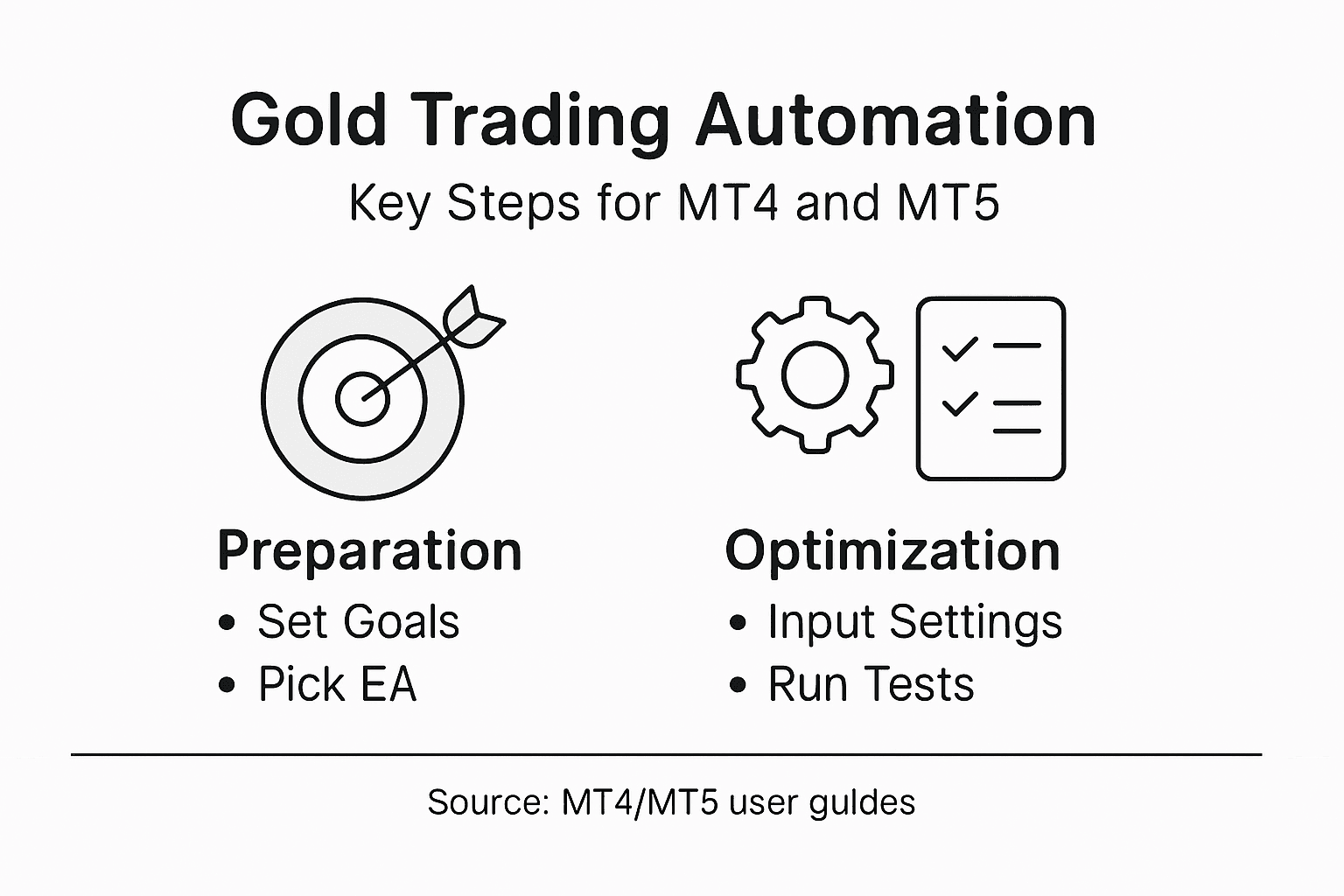
Pay special attention to risk management parameters. Set conservative lot sizes that protect your trading capital while allowing potential profit generation. Implement multiple safety filters such as maximum daily loss limits, maximum consecutive losing trade restrictions, and minimum account balance thresholds. Continuously monitor your Expert Advisor’s performance and be prepared to make incremental adjustments based on real market feedback and changing trading conditions.
Pro Tip: Run extensive backtesting scenarios using at least five years of historical gold market data to validate your Expert Advisor’s performance across different market cycles.
Step 4: Test automated strategies with backtesting and demos
Validating your gold trading Expert Advisor requires comprehensive testing through sophisticated simulation techniques that minimize potential financial risks. Advanced backtesting methods provide critical insights into your trading strategy’s potential performance.
Begin by utilizing MetaTrader’s strategy tester to conduct thorough historical simulations using high-quality tick data for XAU/USD. Select multiple timeframes and market conditions to stress test your Expert Advisor’s performance. Pay close attention to key performance metrics like profit factor, maximum drawdown, total net profit, and expected payoff. Configure the backtesting parameters to simulate realistic trading scenarios including spread variations, commission rates, and slippage to ensure your results reflect actual market conditions.
After completing comprehensive backtesting, transition to demo account trading to validate your strategy in real-time market environments. Run your Expert Advisor on a demo account for at least one month to observe its behavior across different market volatility levels. Monitor trade execution, risk management protocols, and overall strategy performance. Compare demo results with your backtesting data to identify any discrepancies and make necessary parameter adjustments before considering live trading deployment.
Pro Tip: Use multiple data sources and market conditions during backtesting to prevent overfitting and ensure your Expert Advisor demonstrates consistent performance across diverse trading scenarios.
Step 5: Launch and monitor live automated gold trades
Transitioning to live trading requires strategic preparation and continuous monitoring of your Expert Advisor’s performance. Automated trading execution demands vigilant oversight to ensure optimal trading outcomes.
Initiate live trading by first establishing a stable server connection through a virtual private server (VPS) to guarantee uninterrupted trading execution. Configure your trading account settings to align with your predefined risk management parameters. Select XAU/USD as your primary trading instrument and verify that your Expert Advisor has appropriate trading permissions. Monitor trade entries and exits closely during the initial deployment phase, paying special attention to how the system handles market volatility and unexpected economic events specific to gold trading.
Develop a systematic approach to performance tracking by establishing key performance indicators such as win rate, average profit per trade, maximum drawdown, and total net profit. Create a detailed log documenting each trade executed by your Expert Advisor, including entry and exit points, trade duration, and specific market conditions. Set up real time alerts to notify you of significant trading events or potential system anomalies. Be prepared to make incremental adjustments to your Expert Advisor’s parameters based on live market performance data to maintain optimal trading efficiency.
Below is a summary of key performance indicators to monitor during live automated gold trading:
| Indicator | What It Measures | Business Impact |
|---|---|---|
| Win Rate | Ratio of profitable trades | Indicates EA strategy accuracy |
| Max Drawdown | Largest capital decline | Assesses potential losses |
| Average Profit/Trade | Mean profit per transaction | Reveals efficiency of trading |
| Total Net Profit | Overall account growth | Tracks EA financial success |
Pro Tip: Implement a trailing stop loss mechanism and maintain a conservative initial lot size to protect your trading capital during the first month of live automated trading.
Take Control of Your Gold Trading Automation Today
Automating gold trading on MT4 and MT5 platforms is a smart way to tackle the challenges of fast market moves, risk management, and strategy optimization. If you found yourself overwhelmed by complex EA settings, backtesting demands, or the pressure to monitor live trades constantly, you are not alone. Many traders struggle to select reliable Expert Advisors that match their goals while ensuring consistent performance under different market conditions.
At FxShop24, we specialize in delivering tested and prop firm-ready automated trading solutions designed specifically for gold and forex markets. Our portfolio includes AI-driven robots and premium trading systems that come with lifetime updates and unlimited licenses. Whether you need easy installation guides or want access to expert advisors optimized for MT4 and MT5, our platform provides everything necessary to elevate your automated trading experience.
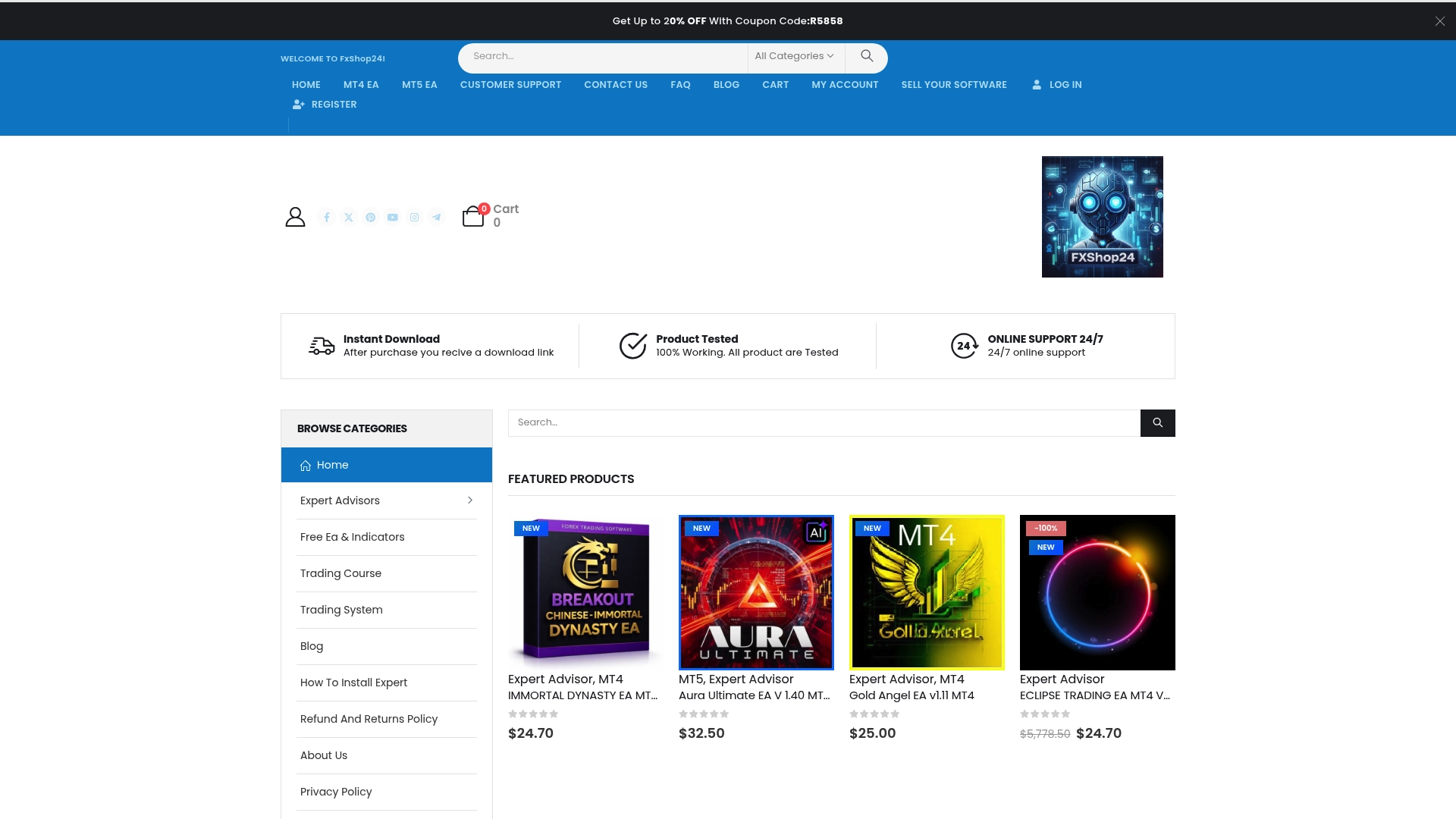
Don’t wait to start trading gold with confidence and precision. Explore our wide range of automated trading software to find a solution tailored to your needs. Visit FxShop24 now and benefit from instant downloads, flexible payment options, and expert support that will help you unlock the full potential of your gold trading on MetaTrader platforms.
Frequently Asked Questions
How do I assess my trading requirements before automating gold trading on MT4 or MT5?
To assess your trading requirements, evaluate your trading goals, risk tolerance, and preferred trading strategies. Identify factors such as investment capital and desired return, then match these with an Expert Advisor (EA) that aligns with your profile.
What steps should I follow to install and configure Expert Advisors on MT4 or MT5?
Begin by downloading the appropriate MetaTrader version and selecting all recommended components during installation. After installation, transfer your EA files to the Experts folder, enable automated trading, and adjust the settings to fit your trading strategy.
How can I optimize my EA settings for gold trading?
Optimize your EA settings by fine-tuning parameters such as lot size, stop loss, and take profit levels. Use the built-in optimization tools in MetaTrader to backtest different configurations and ensure they align with your defined risk management goals.
What is the process for backtesting an Expert Advisor before going live?
Utilize the MetaTrader strategy tester to conduct historical simulations using high-quality tick data for XAU/USD. Run tests across multiple timeframes, carefully monitoring performance metrics, and then transition to demo account trading for real-time validation if results are satisfactory.
How do I monitor the performance of my automated gold trading once it’s live?
Establish key performance indicators such as win rate and average profit per trade to track your EA’s performance. Keep a detailed log of trades and set up alerts for significant events to ensure your EA is performing optimally.
What precautions should I take when first launching my automated gold trades?
When launching automated trading for the first time, use a conservative lot size and implement a trailing stop loss. This will help protect your trading capital during the initial month as you monitor the EA’s performance in real market conditions.
Recommended
Author