


23
Oct
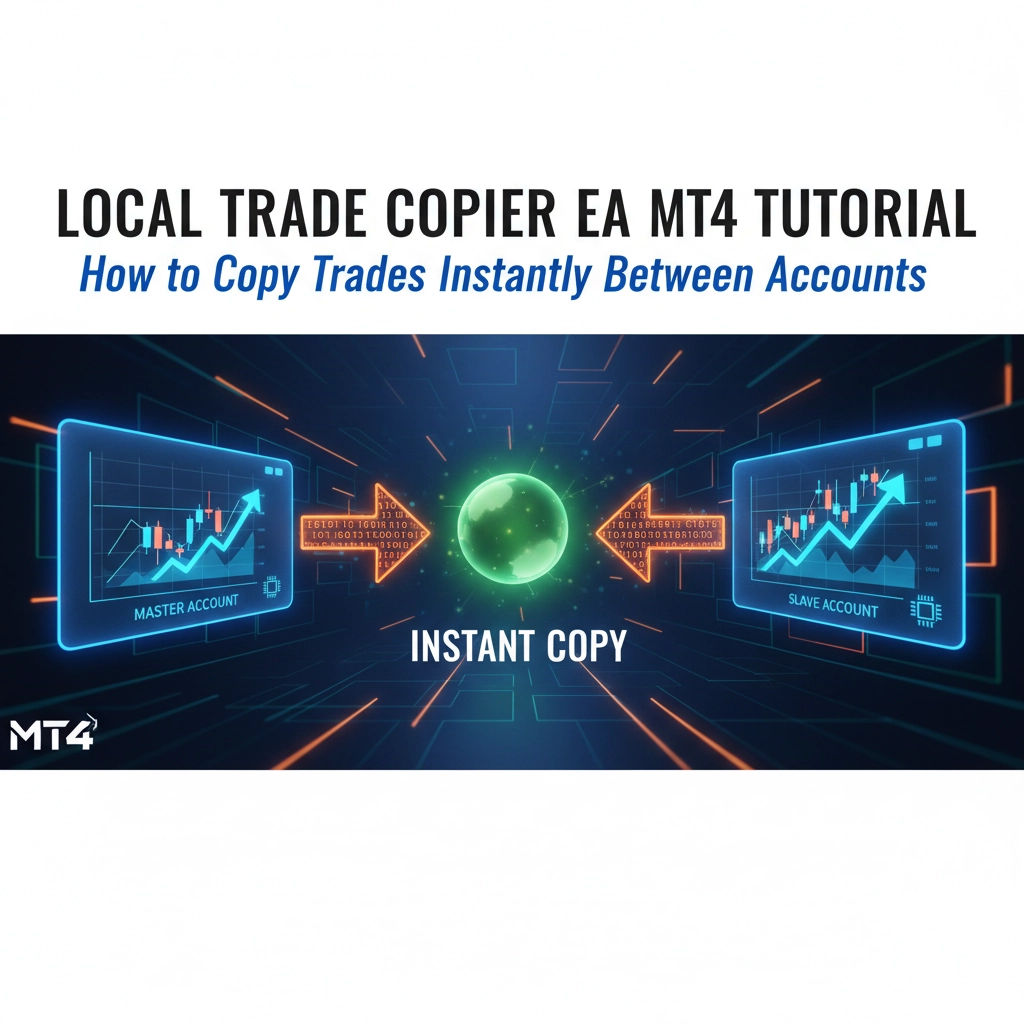
Local Trade Copier EA MT4 Tutorial: How to Copy Trades Instantly Between Accounts
Ever wondered how professional traders manage multiple accounts simultaneously without losing their minds? The secret isn't superhuman reflexes or caffeine addiction: it's trade copying technology that most retail traders never discover.
If you're juggling prop firm challenges, managing family accounts, or scaling your trading operation, manually copying trades across multiple MT4 platforms is a recipe for disaster. One missed execution, one delayed entry, and your entire strategy crumbles.
Enter the Local Trade Copier EA: a game-changing expert advisor that copies your trades instantly across unlimited MT4 accounts with execution speeds under 0.5 seconds. This isn't just convenience; it's professional-grade infrastructure that separates serious traders from weekend warriors.
What Exactly Is a Local Trade Copier EA?
A Local Trade Copier EA is a specialized expert advisor designed for MetaTrader 4 that automatically replicates trading activity from one "master" account to multiple "slave" accounts running on the same computer or VPS. Think of it as your personal trading assistant that never sleeps, never makes mistakes, and executes faster than humanly possible.
Unlike cloud-based solutions that introduce latency and security risks, local trade copiers operate entirely within your controlled environment. Every order, modification, and closure gets transmitted instantly through your system's memory: no internet delays, no third-party servers, no data breaches.

The technology handles everything: market orders, pending orders, stop losses, take profits, partial closes, and even trades executed by other expert advisors or mobile apps. It's the backbone infrastructure that allows you to treat multiple accounts as a unified trading system.
Why Smart Traders Use Trade Copiers
Multi-Account Management: Managing multiple prop firm accounts manually is virtually impossible at scale. One hesitation during NFP releases or overnight gaps can destroy weeks of progress across your entire portfolio.
Speed Advantage: Manual copying introduces human delay: typically 3-10 seconds between accounts. Professional trade copiers execute in under 500 milliseconds, capturing price movements that manual traders miss entirely.
Risk Distribution: Instead of risking everything on one account, you can spread identical strategies across multiple brokers, reducing counterparty risk and maximizing capital efficiency.
Prop Firm Strategy: Many successful prop traders use copiers to simultaneously pass multiple challenges with identical strategies, then scale across funded accounts while maintaining consistent risk management.
Emotional Control: Removing manual intervention eliminates second-guessing, fear-based exits, and inconsistent execution that plague discretionary traders.
Installation Process: Master and Slave Setup
Your Local Trade Copier package contains two critical components that must be installed correctly for seamless operation.
Master Account Installation
Download and run the "LTC Server auto-installer.exe" file on your master account: the MT4 platform where you'll execute your primary trading decisions. This becomes your signal source, the brain of your operation.
After installation, refresh your Navigator window or restart MT4. The Trade Copier EA should appear under Expert Advisors in your Navigator panel.
Slave Account Installation
Use the "LTC Client auto-installer.exe" file for every MT4 instance where you want trades replicated. Each slave account requires its own dedicated MetaTrader installation and active login session.
Critical requirement: All MT4 platforms must run simultaneously on the same computer or VPS. This local architecture is what enables the lightning-fast execution speeds that separate professional setups from amateur solutions.

Essential MT4 Configuration Settings
Enable AutoTrading Globally
Before attaching any EAs, activate the AutoTrading button in your MT4 toolbar: that green arrow icon must be lit on every platform. Without this, your trade copier becomes expensive decoration.
Attach EAs to Charts
Drag the appropriate EA (Server or Client) onto any chart in each MT4 instance. The symbol doesn't matter; the EA monitors your entire account, not specific pairs.
Configure Common Settings
When the EA attachment dialog appears, navigate to the "Common" tab and verify these critical settings:
- Allow Live Trading: Checked
- Allow DLL imports: Checked
- Allow imports of external experts: Checked
These permissions are non-negotiable. Without DLL imports, your trade copier cannot communicate between MT4 instances.
Account Mode Configuration
Your trade copier operates through three distinct modes that determine signal flow:
Transmitter Mode: Configure your master account as "Transmitter." This broadcasts all trading activity to connected slave accounts.
Receiver Mode: Set slave accounts to "Receiver" and input your master account number in the "Transmitter Account Number" field. For multiple masters, separate account numbers with commas (e.g., 123456,789012).
Self Copier Mode: Advanced option that copies and multiplies trades within the same account: useful for position sizing strategies or risk multiplication.

Testing Your Setup Before Going Live
Never trust your configuration until you've verified it works flawlessly. Professional traders use pending order tests to validate their system:
- Place a pending buy limit order on your master account 50+ pips below current market price
- Within 1-2 seconds, identical pending orders should appear on all slave accounts
- Cancel the master order: all slave orders should disappear immediately
If any slave account fails to replicate the test order, red warning icons will appear on that EA. Check the Experts and Journal tabs for specific error messages.
Best Practices for Optimal Performance
Network Stability: Run all MT4 platforms on the same high-speed internet connection. Network interruptions can cause synchronization failures during critical market moments.
Sufficient Margin: Ensure every slave account maintains adequate margin for the largest potential position size. Insufficient funds will cause copy failures and inconsistent execution.
Symbol Mapping: Different brokers often use varying symbol names (XAUUSD vs GOLD). Configure custom symbol mapping to ensure trades copy across broker variations.
Lot Size Management: Use percentage-based position sizing rather than fixed lots. This maintains proportional risk across accounts with different balance levels.
Prop Firm Considerations and Compliance
Trade copiers are generally acceptable for prop firm challenges, but verify specific rules before deployment. Some firms prohibit EAs entirely, while others restrict certain types of automated trading.
Challenge Strategies: Many successful prop traders use identical strategies across multiple challenges simultaneously, dramatically increasing their probability of passing and receiving funding.
Risk Management Integration: Your trade copier should respect existing money management rules. Configure position sizing to comply with prop firm drawdown limits and daily loss restrictions.
Performance Tracking: Monitor performance across all accounts to ensure consistent results. Significant variance between accounts suggests configuration issues or broker-specific problems.
According to the National Futures Association, automated trading systems must maintain accurate records and comply with applicable regulations when managing multiple accounts.
Troubleshooting Common Issues
Slow Execution: If copying takes longer than 2 seconds, check for network latency, insufficient system resources, or competing processes consuming bandwidth.
Partial Copying: When some accounts copy trades while others don't, verify account settings, margin availability, and symbol mapping configurations on failed accounts.
Connection Drops: If EAs lose connection after internet interruptions, restart all MT4 platforms to re-establish communication pathways.
Magic Number Conflicts: If you run other EAs, ensure unique magic numbers to prevent interference with trade copier operations.
Trade copiers transform chaotic multi-account management into streamlined professional operations. The technology eliminates human error, reduces execution delays, and enables scaling strategies that manual trading simply cannot support.
Master this infrastructure, and you'll join the ranks of traders who treat multiple accounts as unified systems rather than individual headaches. Your future self: managing dozens of funded accounts with surgical precision: will thank you for investing in proper trade copying technology today.