



3
Feb
Workflow for Forex Automation: Step-by-Step Trading Setup
Busy trading days often leave little time for manual chart analysis or order management, making automation a vital solution for modern forex professionals. Efficient trading automation transforms the repetitive side of forex into a systemized process that can help reduce missed opportunities and emotional errors. By focusing on platforms with AI-driven features and strong broker compatibility, traders position themselves for a more disciplined and potentially profitable approach, whether they rely on MetaTrader, TradingView, or other leading software.
Table of Contents
- Step 1: Select the Right Trading Automation Software
- Step 2: Install and Configure MetaTrader Platform
- Step 3: Integrate Expert Advisors and Trading Tools
- Step 4: Customize Risk Management Settings
- Step 5: Test Automation with Demo Trading
- Step 6: Optimize and Monitor Automated Workflows
Quick Summary
| Key Point | Explanation |
|---|---|
| 1. Choose the Right Software | Select trading automation software that matches your trading needs, focusing on compatibility, backtesting, and performance metrics. |
| 2. Properly Configure MetaTrader | Install MetaTrader securely, ensuring proper broker connection and customization settings for effective automated trading. |
| 3. Integrate Expert Advisors Wisely | Add expert advisors to extend your platform’s capabilities, enabling fully automated strategies tailored to your trading approach. |
| 4. Prioritize Risk Management | Implement robust risk management settings, including stop-loss and take-profit levels, to protect your trading capital and sustain profitability. |
| 5. Test Strategies with Demo Accounts | Validate automated strategies through extensive demo trading before live deployment to understand performance and optimize strategies. |
Step 1: Select the Right Trading Automation Software
Choosing the appropriate trading automation software represents the critical first step in establishing a robust forex trading workflow. Your selected platform will serve as the foundation for executing automated trading strategies, managing risk, and potentially generating consistent returns.
When evaluating trading automation platforms, you’ll want to focus on key features that match your specific trading requirements. Comprehensive trading platforms like MetaTrader and TradingView offer multiple advantages for forex traders seeking automated solutions:
- Broker Compatibility: Ensure the software integrates smoothly with your preferred forex broker
- Strategy Testing: Look for platforms offering robust backtesting capabilities
- Programming Options: Consider whether you need no-code strategies or advanced scripting support
- Performance Metrics: Evaluate historical performance tracking and reporting features
Most professional traders prioritize platforms that provide advanced AI-driven features and comprehensive community support. MetaTrader remains particularly popular due to its extensive third-party API support and widespread global adoption. Some traders prefer advanced AI trading platforms like TrendSpider and Trade Ideas, which offer sophisticated pattern recognition and automated trade execution.
Here’s how popular trading automation platforms differ by core strength:
| Platform | Best For | Notable Advantage |
|---|---|---|
| MetaTrader | Global FX trading | Third-party API support |
| TradingView | Cross-market analysis | Social community integration |
| TrendSpider | Pattern recognition | Advanced AI capabilities |
| Trade Ideas | Stock signal generation | Automated trading scans |
A well-selected trading automation platform can significantly reduce manual trading time and help standardize your trading approach.
Consider your personal trading style, technical expertise, and specific market goals when making your selection. Some platforms cater to beginners with user-friendly interfaces, while others provide complex algorithmic trading capabilities for experienced professionals.
Pro tip: Test multiple trading automation platforms using demo accounts before committing to a single solution, and prioritize platforms offering comprehensive educational resources and community support.
Step 2: Install and Configure MetaTrader Platform
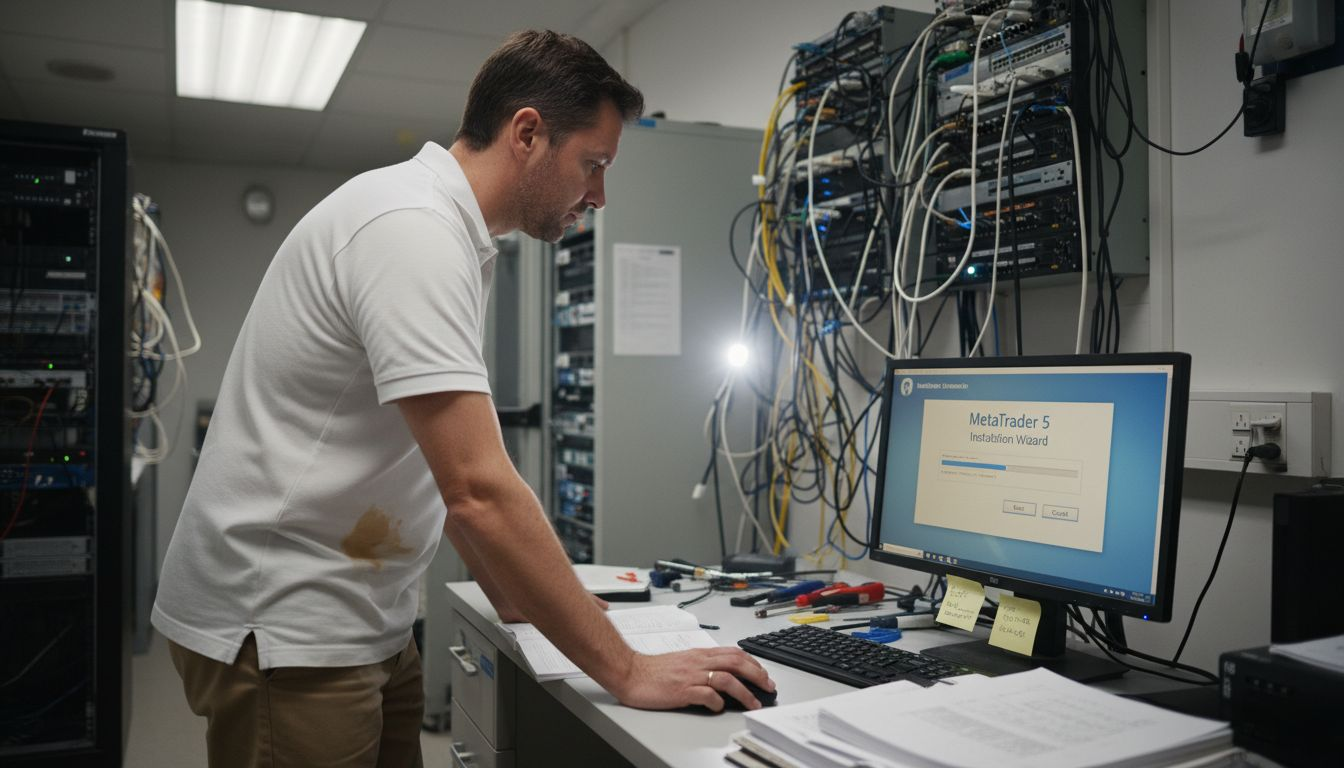
Installing and configuring the MetaTrader platform is a straightforward process that will set the foundation for your forex trading automation workflow. Your goal is to create a stable, secure trading environment that allows seamless execution of automated strategies.
MetaTrader installation process involves several key steps to ensure a smooth setup:
- Download the Official Installer
- Visit the official MetaQuotes website or your broker’s custom platform page
- Select the appropriate version for your operating system (Windows or Mac)
- Verify the source to avoid downloading from unauthorized sites
- Installation Procedure
- Run the installer with administrator privileges
- Follow the installation wizard
- Select your preferred installation directory
- Accept the license agreement
- Initial Configuration
- Open the platform after installation
- Configure your broker connection settings
- Set up a demo or live trading account
- Customize chart preferences and interface
Proper platform configuration is critical for reliable automated trading performance.
Most brokers offer customized MetaTrader versions that simplify the connection process. These versions often include pre-configured settings and additional plugins designed to enhance your trading experience. If you’re using a specific broker’s version, the installation might include additional proprietary tools and direct server connections.
Pro tip: Always download MetaTrader from official sources, and consider using a dedicated trading computer with robust antivirus protection to ensure the security of your automated trading setup.
Step 3: Integrate Expert Advisors and Trading Tools
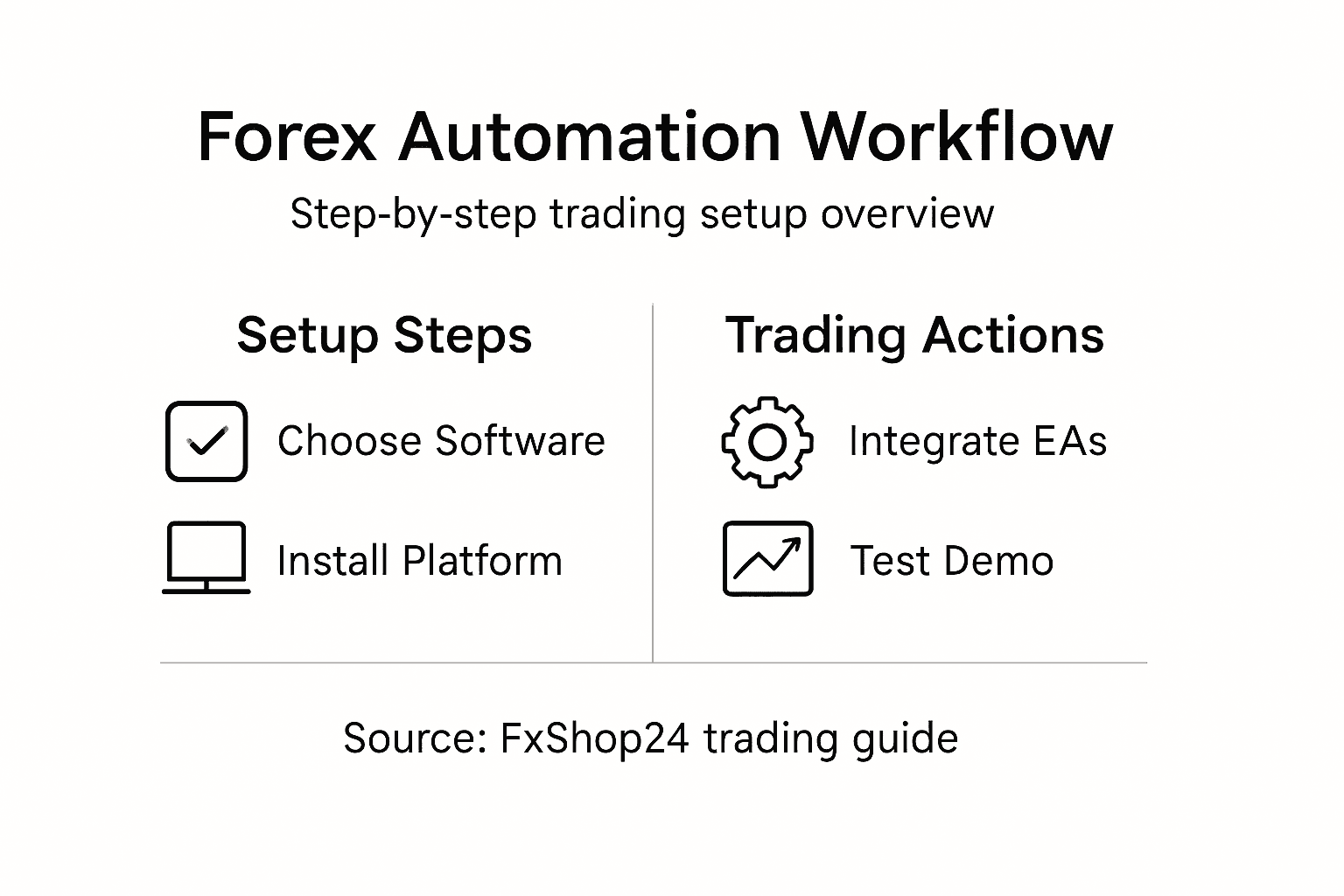
Integrating expert advisors (EAs) and trading tools into your MetaTrader platform represents a critical step in automating your forex trading workflow. This process transforms your platform from a simple charting tool into a sophisticated trading machine capable of executing strategies without constant manual intervention.
Expert Advisor configuration requires careful attention to several key settings:
- Enable Automated Trading: Activate this feature in platform settings
- Configure Security Permissions: Control DLL imports and web requests
- Set Trading Parameters: Define risk management and position sizing rules
- Select Appropriate Timeframes: Match EA settings to your trading strategy
The MetaTrader 5 platform offers advanced integration capabilities through its specialized MQL5 programming language. Traders have multiple options for acquiring EAs:
- Download pre-built strategies from verified marketplaces
- Customize existing EAs to match your specific trading requirements
- Develop completely custom trading algorithms using MetaEditor
- Test strategies thoroughly using built-in Strategy Tester
Successful EA integration requires a deep understanding of both technical configuration and trading strategy logic.
Most professional traders recommend starting with well-documented, proven EAs before attempting complex custom development. This approach allows you to understand performance characteristics and gradually build more sophisticated automated trading systems.
Pro tip: Always run new expert advisors in demo mode first, carefully monitoring their performance and risk management before deploying with real trading capital.
Step 4: Customize Risk Management Settings
Risk management represents the critical foundation of successful automated forex trading. Your ability to control potential losses and protect trading capital determines long-term sustainability and profitability of your trading strategy.
Risk management tools in MetaTrader platforms provide multiple layers of financial protection:
- Stop-Loss Orders: Automatically limit potential trade losses
- Take-Profit Levels: Lock in gains at predetermined price points
- Trailing Stops: Dynamic risk protection that adjusts with market movement
- Position Sizing Calculators: Calculate optimal trade volume based on account balance
Key risk management settings to configure include:
- Define maximum risk per trade (typically 1-2% of account balance)
- Set consistent stop-loss and take-profit ranges
- Implement fixed fractional position sizing
- Create multiple risk scenarios in your trading algorithm
Successful traders view risk management as a strategic approach, not just a defensive mechanism.
Most professional traders recommend developing a comprehensive risk management strategy that adapts to changing market conditions. This involves creating flexible rules that protect your capital while allowing sufficient room for potential profits.
Key risk management methods and their benefits:
| Method | Purpose | Benefit Provided |
|---|---|---|
| Stop-Loss Orders | Limit individual trade losses | Protects account from sharp drops |
| Trailing Stops | Lock in profits as market moves | Secures gains during rallies |
| Position Sizing Rules | Adjust trade volume per risk | Avoids overexposure |
| Multiple Scenarios | Prepare for market variability | Increases strategy resilience |
Pro tip: Regularly backtest and optimize your risk management settings using historical market data to ensure robustness across different trading environments.
Step 5: Test Automation with Demo Trading
Testing your automated forex trading strategy through demo trading is an essential step to validate your Expert Advisor’s performance without risking real capital. This process allows you to simulate real market conditions and evaluate your trading algorithm’s effectiveness before live deployment.
Strategy testing techniques in MetaTrader provide comprehensive ways to analyze potential trading performance:
- Backtesting with Historical Data: Simulate trading across different market periods
- Multi-Currency Strategy Evaluation: Test performance across various financial instruments
- Visual Mode Testing: Watch simulated trade execution in real-time
- Performance Metric Analysis: Review profit/loss ratios and trade statistics
Key steps for thorough demo trading validation include:
- Install your Expert Advisor in the MetaTrader platform
- Configure initial testing parameters
- Run comprehensive backtests using historical price data
- Evaluate performance across different market conditions
- Adjust strategy parameters based on test results
Demo testing transforms theoretical trading strategies into practical, validated approaches.
Most professional traders recommend running demo tests for at least 3-6 months, covering multiple market cycles and volatility scenarios. This extended testing period helps identify potential weaknesses in your trading algorithm and ensures more robust performance.
Pro tip: Use genetic algorithm optimization features to automatically fine-tune your Expert Advisor’s parameters and improve overall trading strategy performance.
Step 6: Optimize and Monitor Automated Workflows
Optimizing and monitoring your automated forex trading workflows represents the critical final stage of creating a robust trading system. This ongoing process ensures your Expert Advisors continue performing effectively across changing market conditions.
Automated trading optimization involves comprehensive strategy refinement and continuous performance tracking:
- Performance Logging: Record detailed trade execution statistics
- Parameter Tuning: Use genetic algorithm optimization techniques
- Risk Management Monitoring: Track drawdown and portfolio risk levels
- Strategy Performance Analysis: Compare results against benchmark metrics
Key optimization strategies include:
- Implement continuous performance tracking
- Use built-in MetaTrader strategy testing tools
- Analyze trade logs for consistent pattern identification
- Adjust input parameters based on systematic evaluation
- Consider cloud-based hosting for uninterrupted operation
Successful workflow optimization requires disciplined, data-driven decision making.
Most professional traders recommend dedicating significant time to systematic performance review, treating your automated trading system as a dynamic, evolving strategy rather than a static solution.
Pro tip: Utilize Forex VPS hosting to ensure consistent Expert Advisor execution and minimize potential technical interruptions during critical trading periods.
Take Your Forex Automation Workflow to the Next Level with FxShop24
Setting up a seamless automated forex trading system requires careful platform selection, expert advisor integration, and risk management customization. The challenge is finding reliable, tested Expert Advisors and trading tools that align with your strategy and provide consistent performance without constant manual oversight. If you’re ready to optimize your forex automation workflow with proven, prop firm-ready EAs and AI-powered trading systems, FxShop24 is here to empower your trading journey.
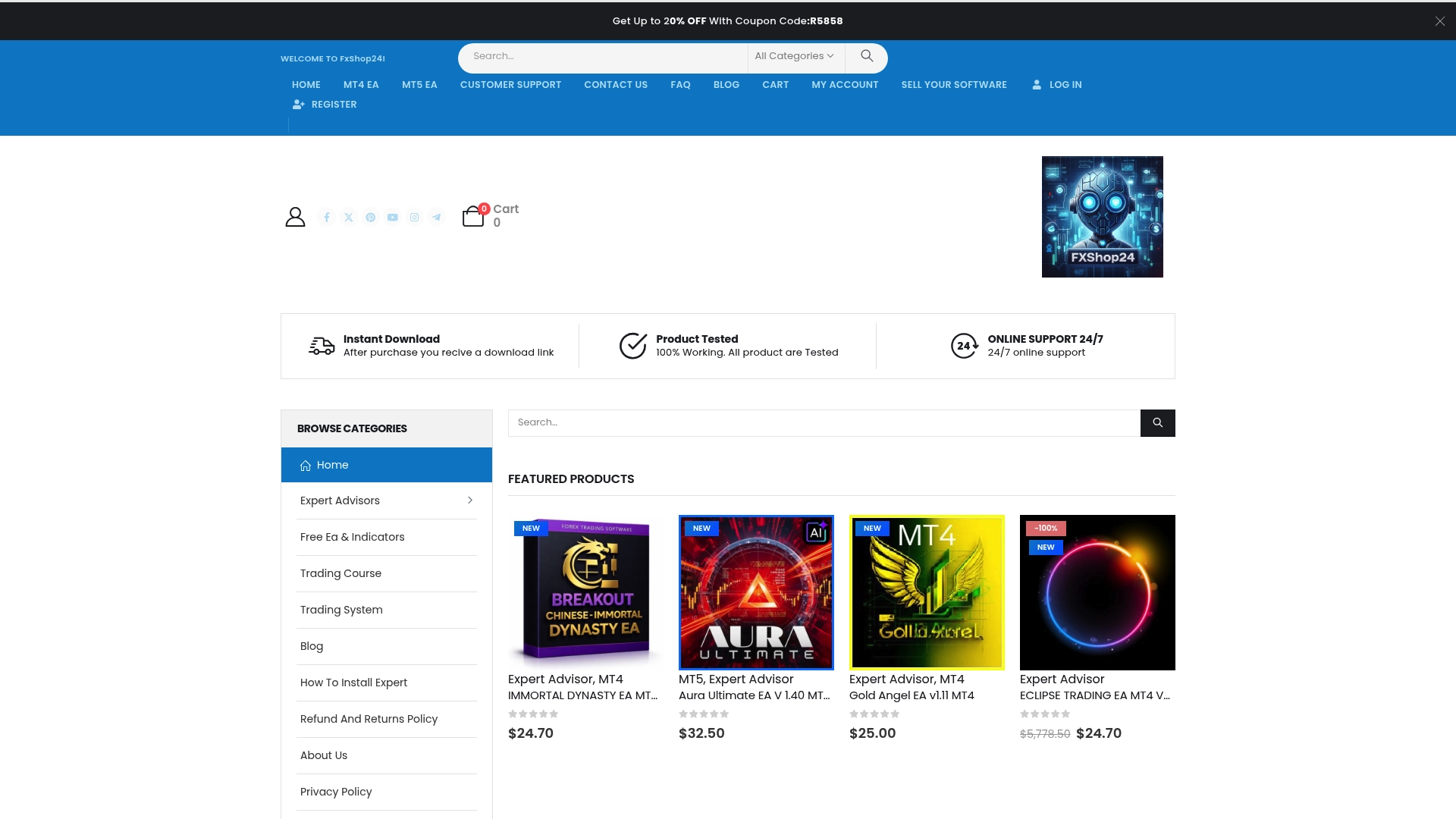
Explore a wide range of automated trading software including premium EAs designed for MetaTrader 4 and MetaTrader 5. Each product at FxShop24 offers lifetime updates, unlimited licenses, and instant digital delivery so you can start testing and optimizing your strategies today. Don’t let complex setup or unreliable tools hold you back. Visit FxShop24 now to access expertly crafted solutions that boost your trading performance and align perfectly with the workflow steps outlined in this guide. Step into smarter trading and take control of your automation journey.
Frequently Asked Questions
What are the key features to look for in trading automation software?
Choosing trading automation software requires focusing on features like broker compatibility, backtesting capabilities, programming options, and performance metrics. Evaluate each software based on these criteria to ensure it meets your specific trading goals.
How do I install and configure the MetaTrader platform?
To install and configure MetaTrader, first download the official installer and run it with administrator privileges. Follow the installation wizard, set up your broker connection, and customize your trading interface for optimal performance.
What steps should I take to integrate Expert Advisors into my MetaTrader platform?
To integrate Expert Advisors, enable automated trading in the platform settings, configure security permissions, and define your trading parameters. Select the appropriate timeframes for your strategy and test the EAs in demo mode before going live.
How can I ensure effective risk management in my automated trading?
Effective risk management involves setting stop-loss orders, take-profit levels, and position sizing rules. Configure these settings to protect your capital, ensuring that maximum risk per trade is limited to 1-2% of your account balance.
Why is demo trading important in the setup of automated Forex trading?
Demo trading is vital for testing your automated trading strategy without financial risk. Run comprehensive backtests and adjust parameters based on performance analysis to ensure your strategy is robust before using real capital.
What ongoing measures should I take to optimize automated trading workflows?
To optimize your automated trading workflows, continuously monitor performance, analyze trade logs, and adjust strategy parameters based on evaluation. Implement performance tracking and consider using cloud-based hosting to minimize disruptions.
Recommended
- Trading Robot Setup Guide: Master MetaTrader Automation
- How To Automate Gold Trading On MT4 And MT5 Platforms
- What Is Forex Automation: Transforming Modern Trading
- How To Load Preset Files On MT4 And MT5: Quick Step-by-Step Tutorial | FxShop24 Marketplace
- Workflow for Global Wealth Planning: Step-by-Step Success